Use Cases — Split-Flap Board | Signage for offices, cafés, classrooms & more
Use cases

From the gate to the counter to the classroom.

Anywhere a message needs to be seen, an iPhone, iPad, Mac or Apple TV becomes the sign. Here's where people put it to work.

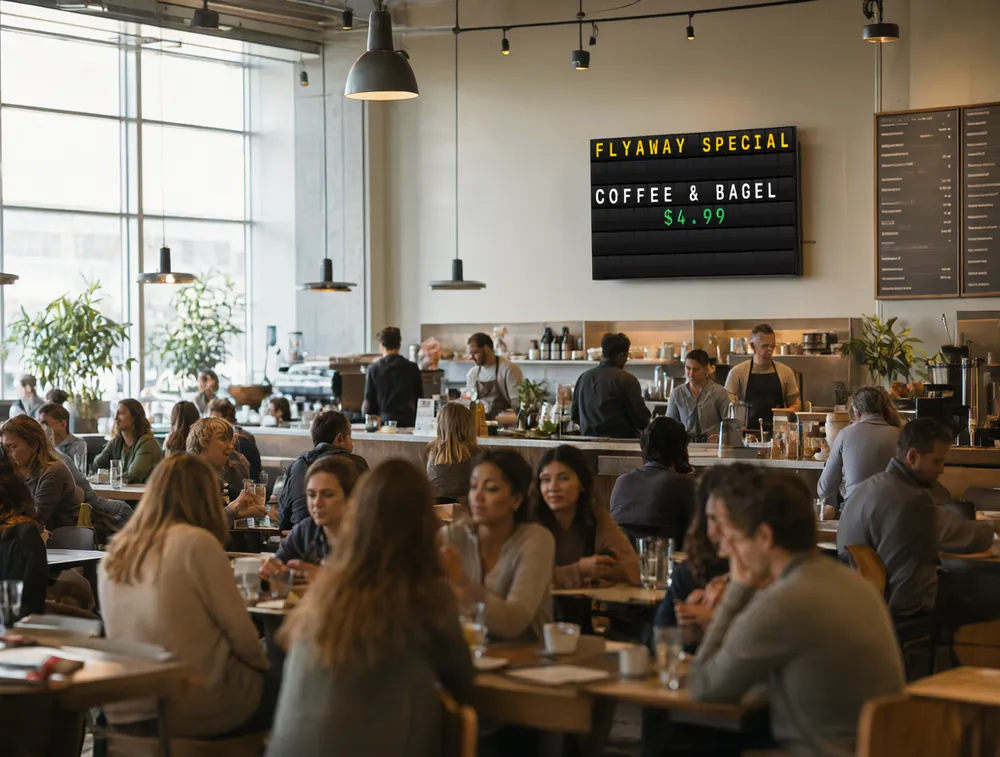
Split-flap board showing a Flyaway Special in a busy airport café

Airports & transit

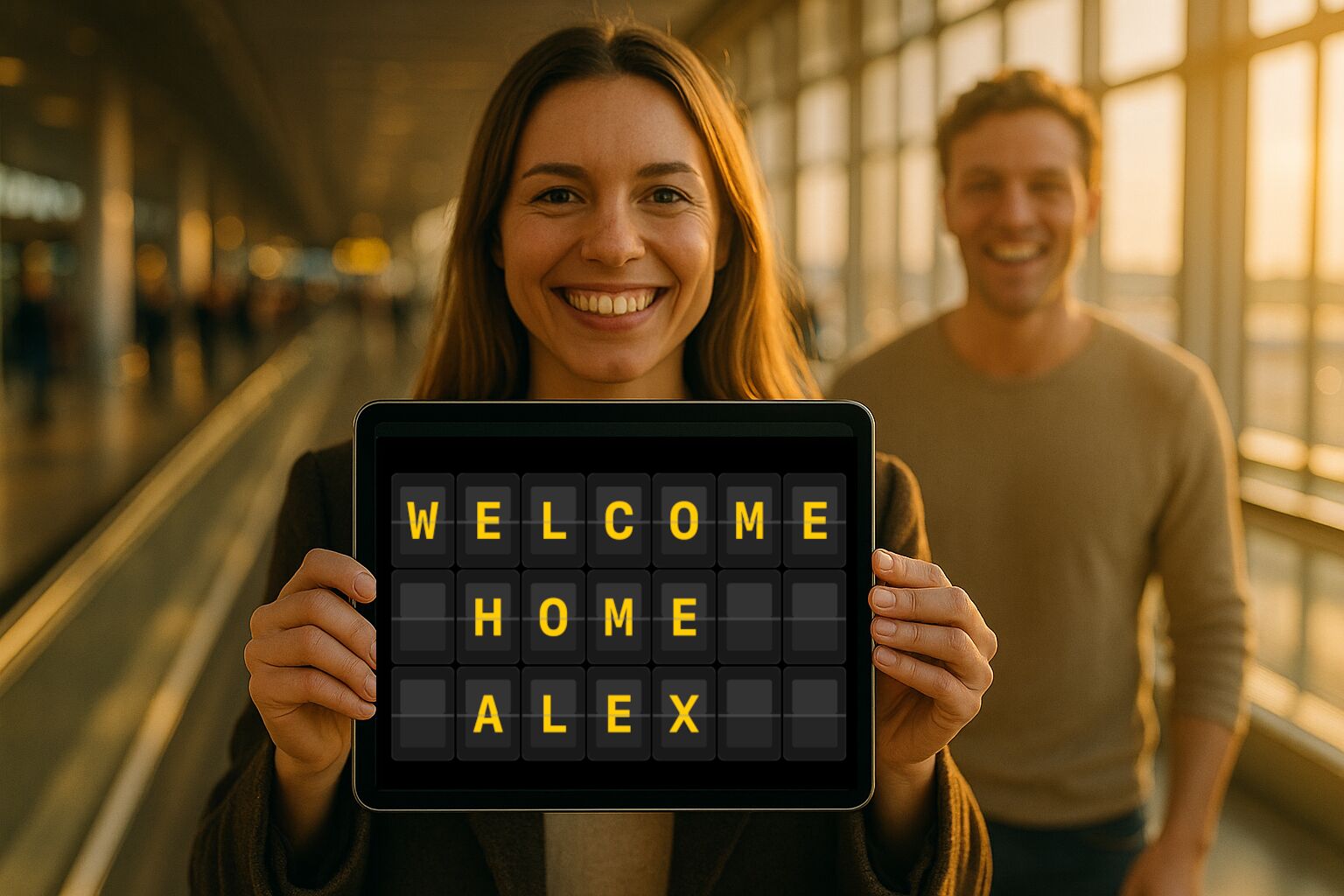
A welcome-home board for arrivals pickup, a faux departures display for a themed party, or simple wayfinding in a busy lobby. The LED Dot Matrix theme reads from across the hall.

Office welcome board

Offices & lobbies

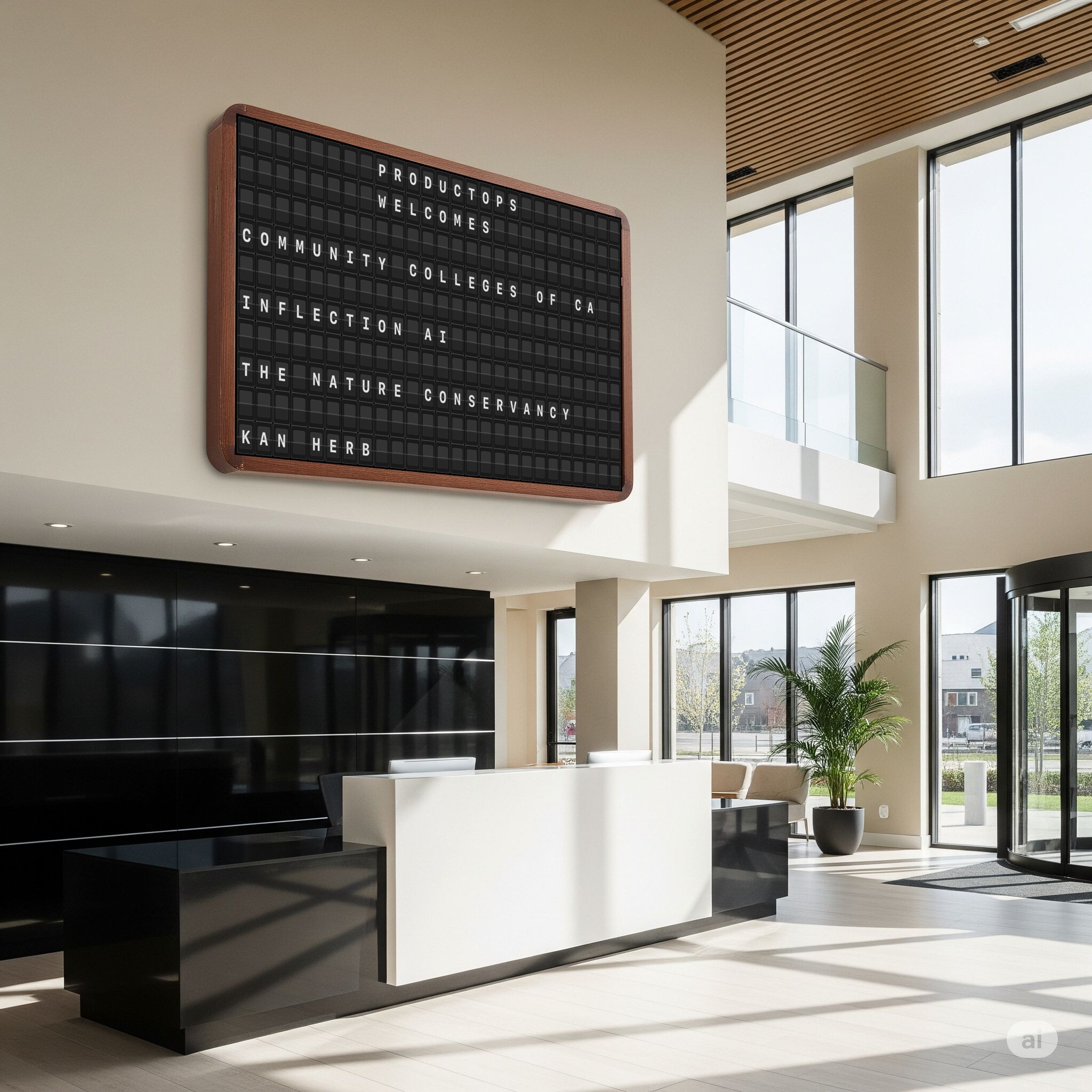
Greet visitors by name, post the all-hands schedule, or run a tasteful welcome board on a screen by reception. Schedule messages so the right one shows at the right hour.

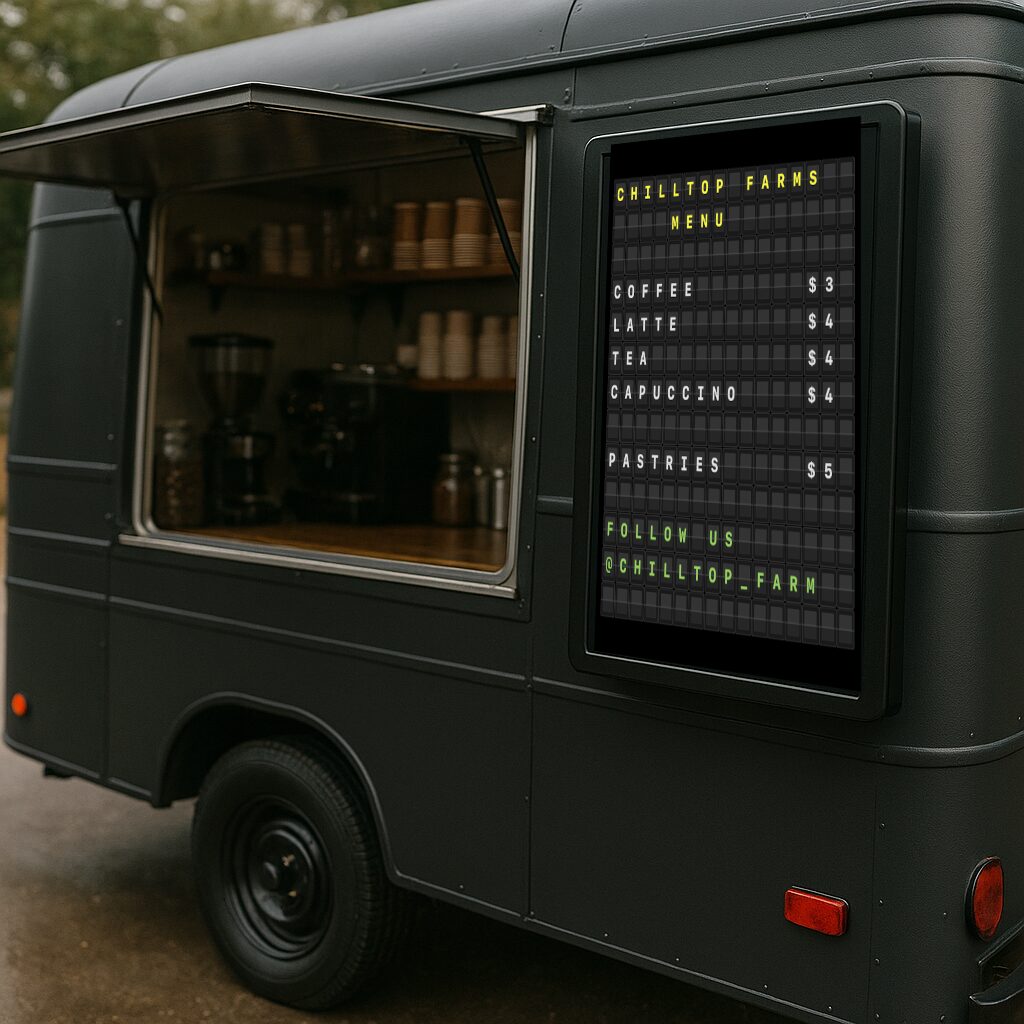
Cafe and bar menu board

Cafés, bars & restaurants

Menus, daily specials, happy-hour countdowns and marketing signage. Use Retro Marquee for warmth or Cyberpunk Neon for late-night energy — and let AI write the specials.

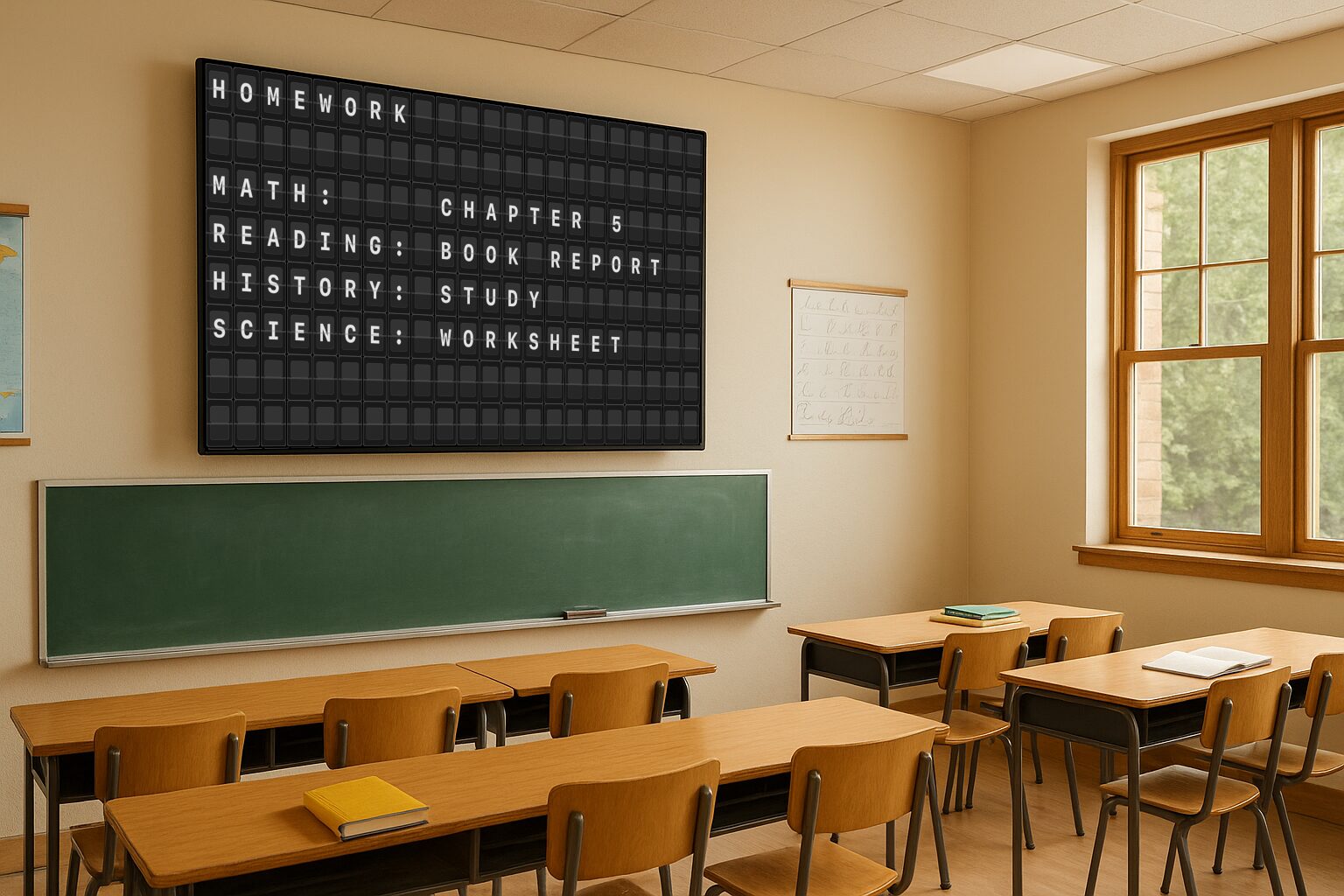
Classroom board

Classrooms & study spaces

Bell schedules, the day's agenda, study prompts and gentle reminders. The flip sound makes the board impossible to ignore when something changes.

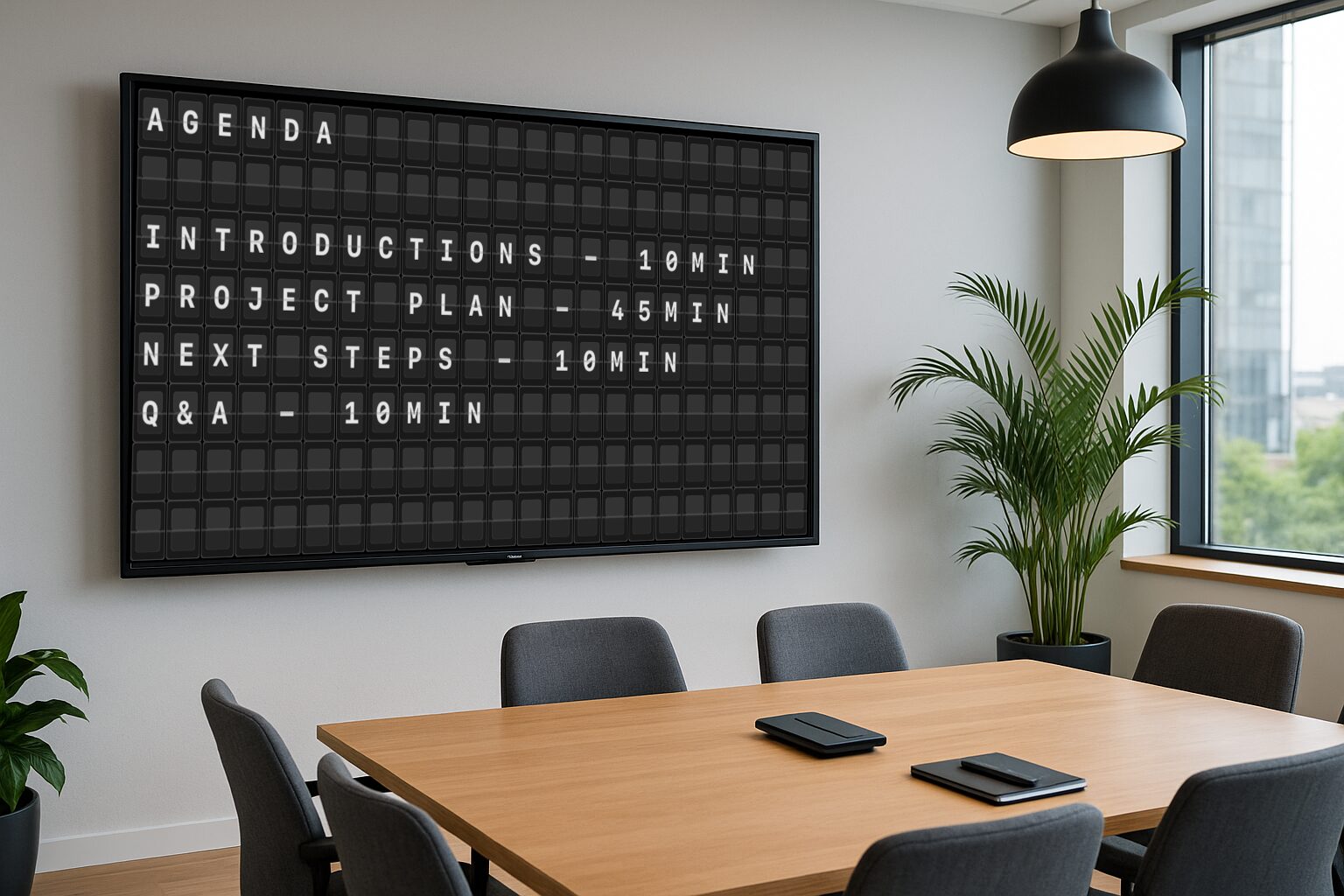
Events and conference room board

Events & conferences

Session agendas, room bookings, sponsor shout-outs and 'starting soon' notices. One reviewer runs it for conference-room bookings at the office — for less than a dollar.

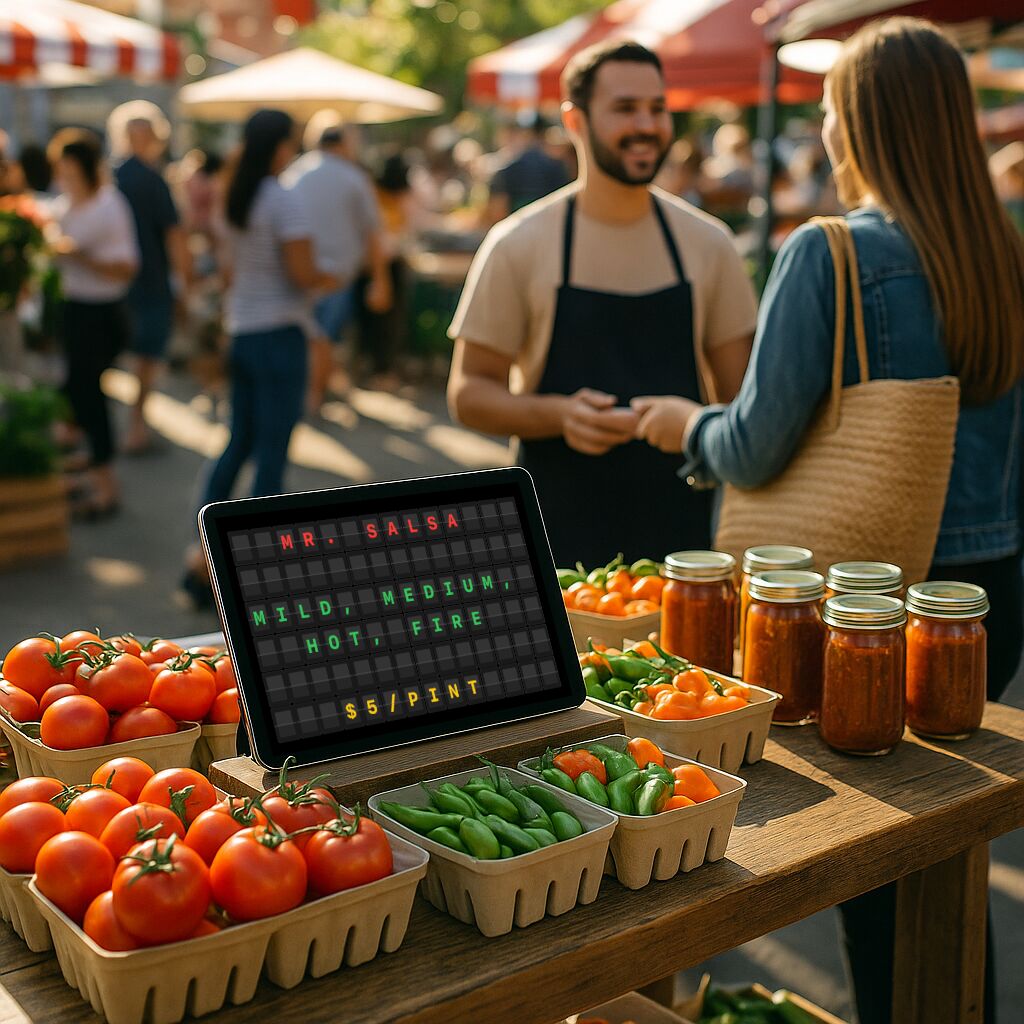
Markets and pop-up display

Retail, markets & pop-ups

Prices, promos and 'sold out' flips for a stall or storefront. An iPad in the window does the work of a printed sign you'd have to reprint every morning.

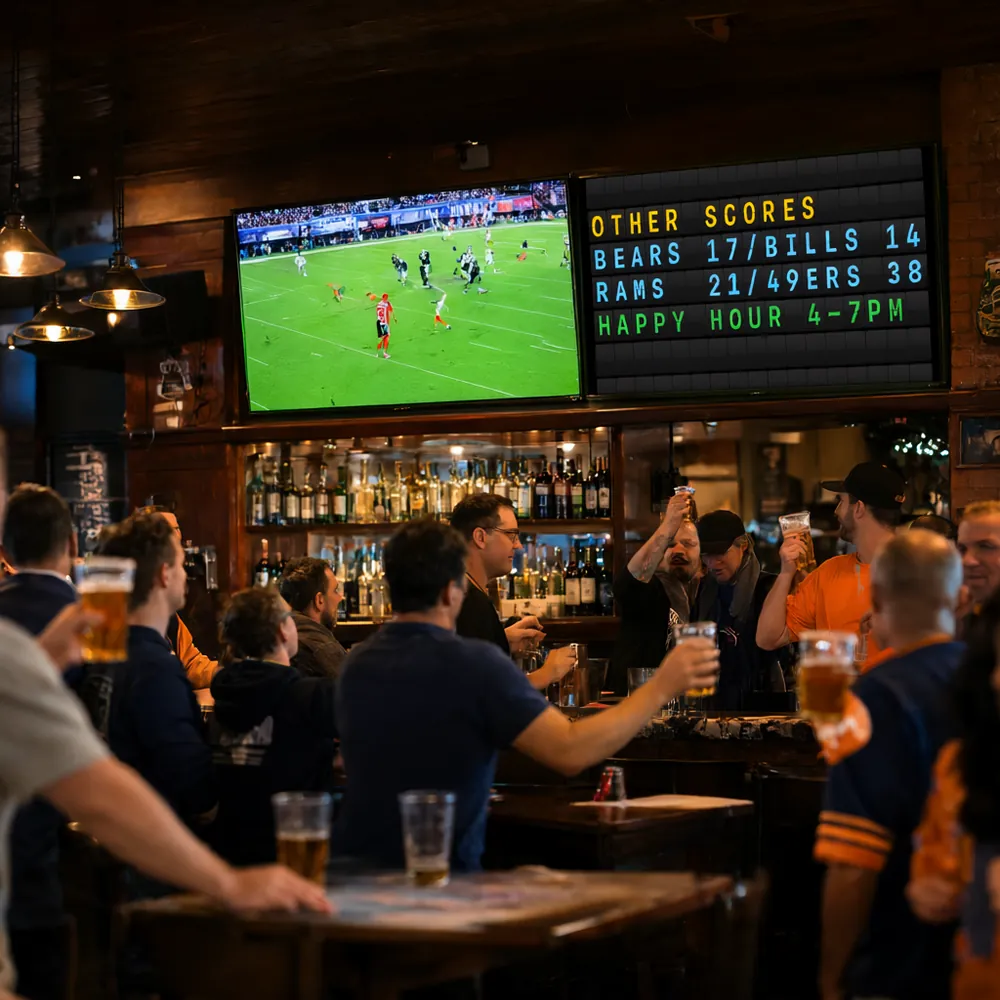
Split-flap board showing other scores beside the game in a sports bar

Games & sports

Fun signs for the bleachers, a homemade scoreboard, player call-outs and chants. Hold up an iPad or cast to the big screen and get the crowd going.

Home welcome display

Home & personal

Welcome guests, count down to a birthday, run a family message board, or just enjoy the nostalgic clack. Drop your own photo behind it with the Background Image theme.

# CI job finished
$ curl -X POST http://192.168.1.42:8181/v1/message \
    -H "Authorization: Bearer $TOKEN" \
    -d '{"theme":"splitflap.solari",
         "lines":["BUILD #482","PASSED"]}'

Smart homes, automations & dev teams

Flip up a build status, a doorbell alert, the next meeting or today's sales total the moment it happens. The Remote API lets Home Assistant, Apple Shortcuts, scripts and dashboards on your network post straight to the board — and pick the theme for each message.

See the Remote API →

Got a screen? You've got a sign.

Start free and see where it fits. Upgrade for $0.99 when you want the premium themes and pro tools.

Download on the App Store