Turn any display into living signage.
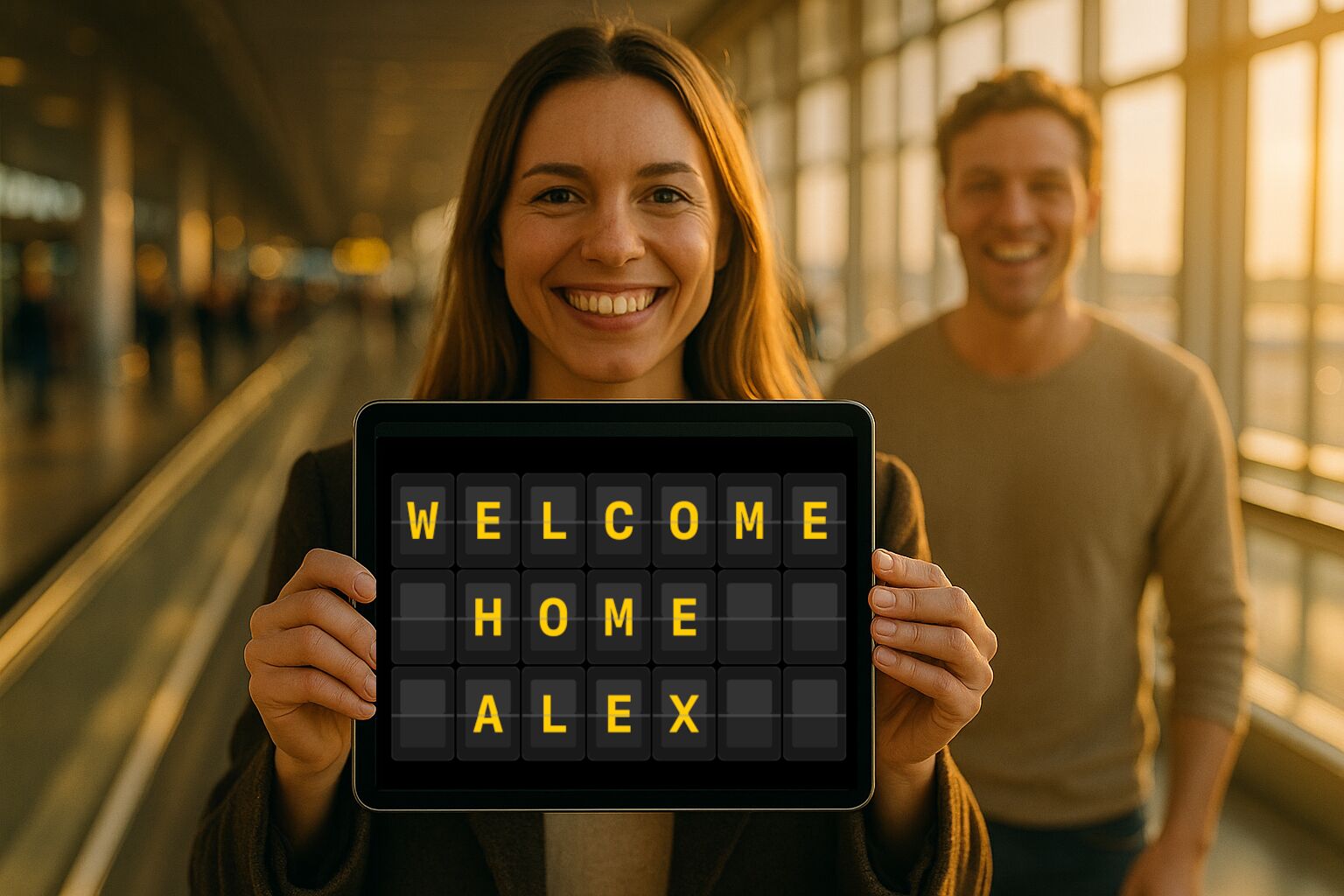
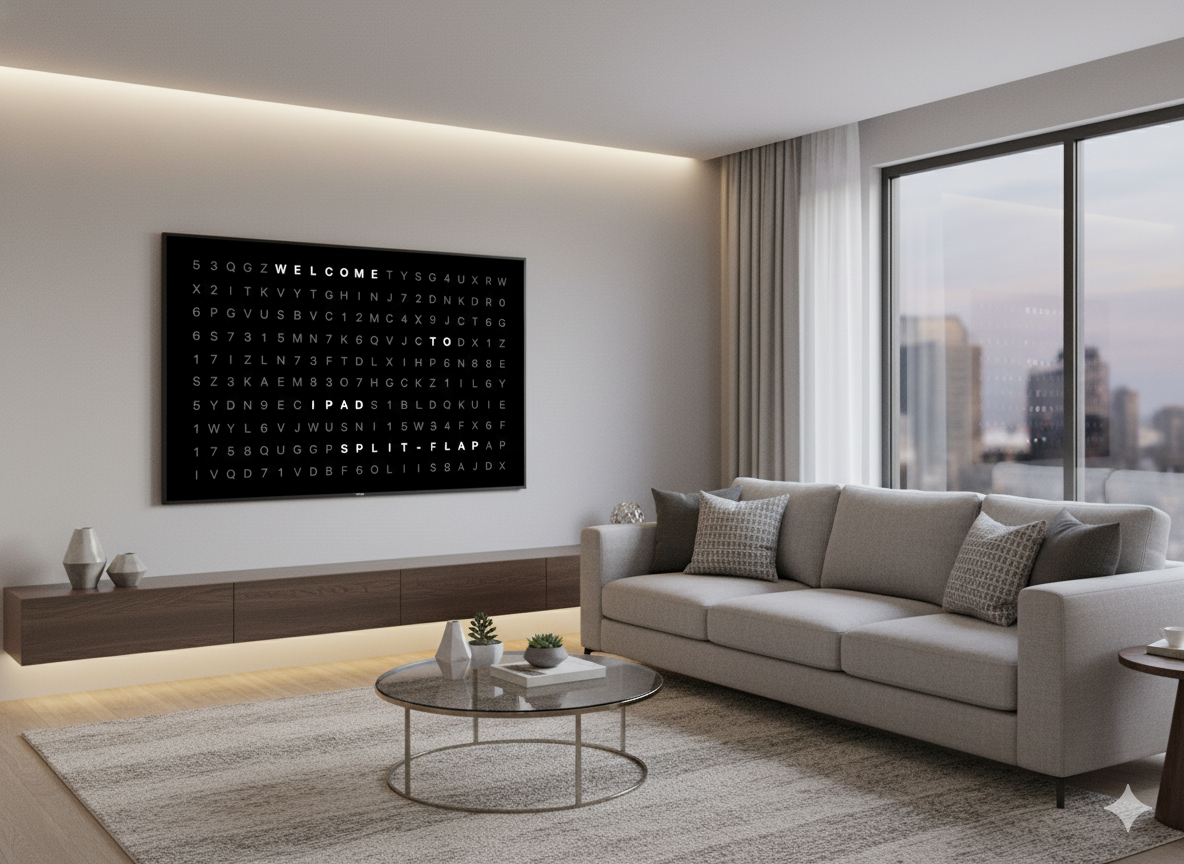
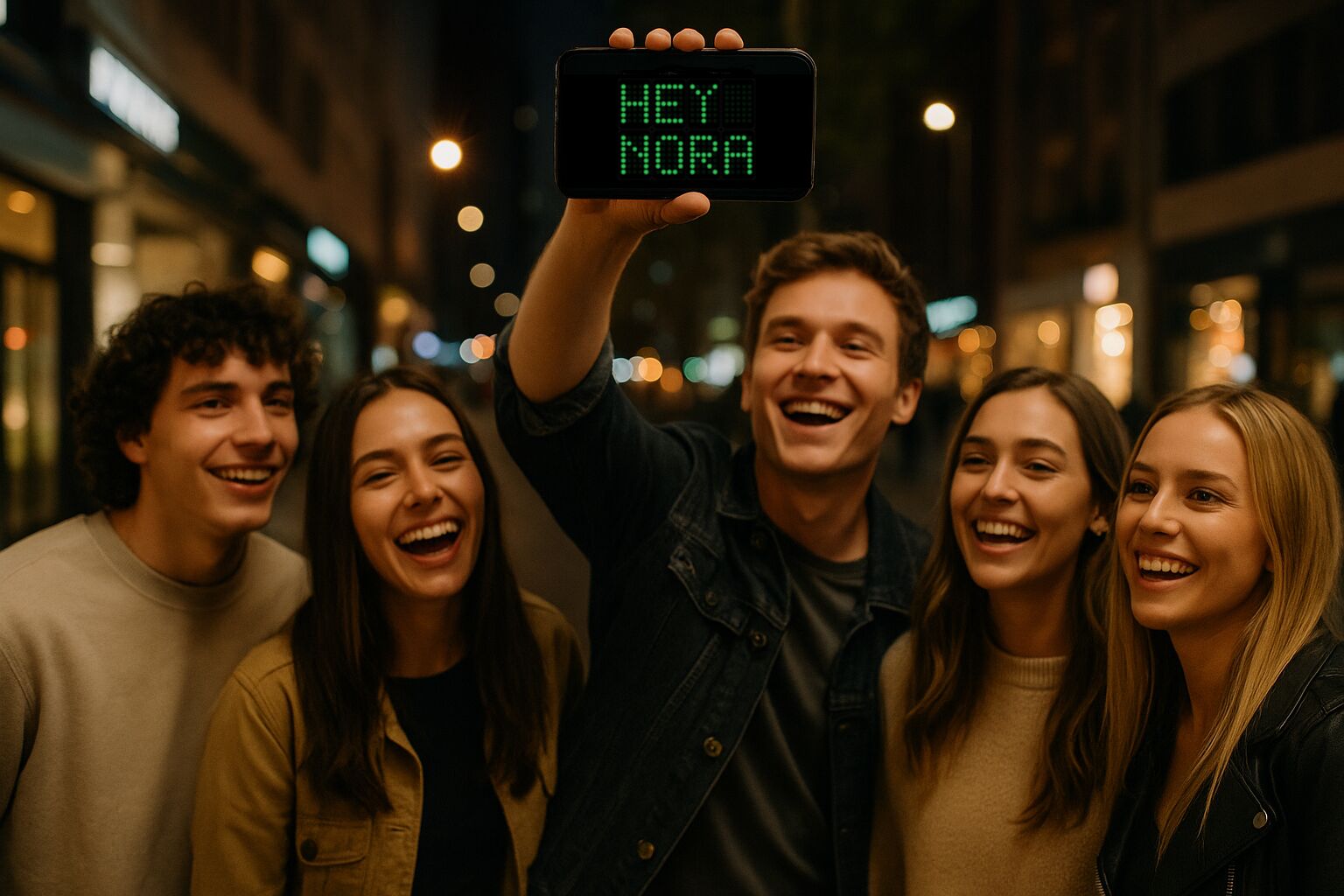
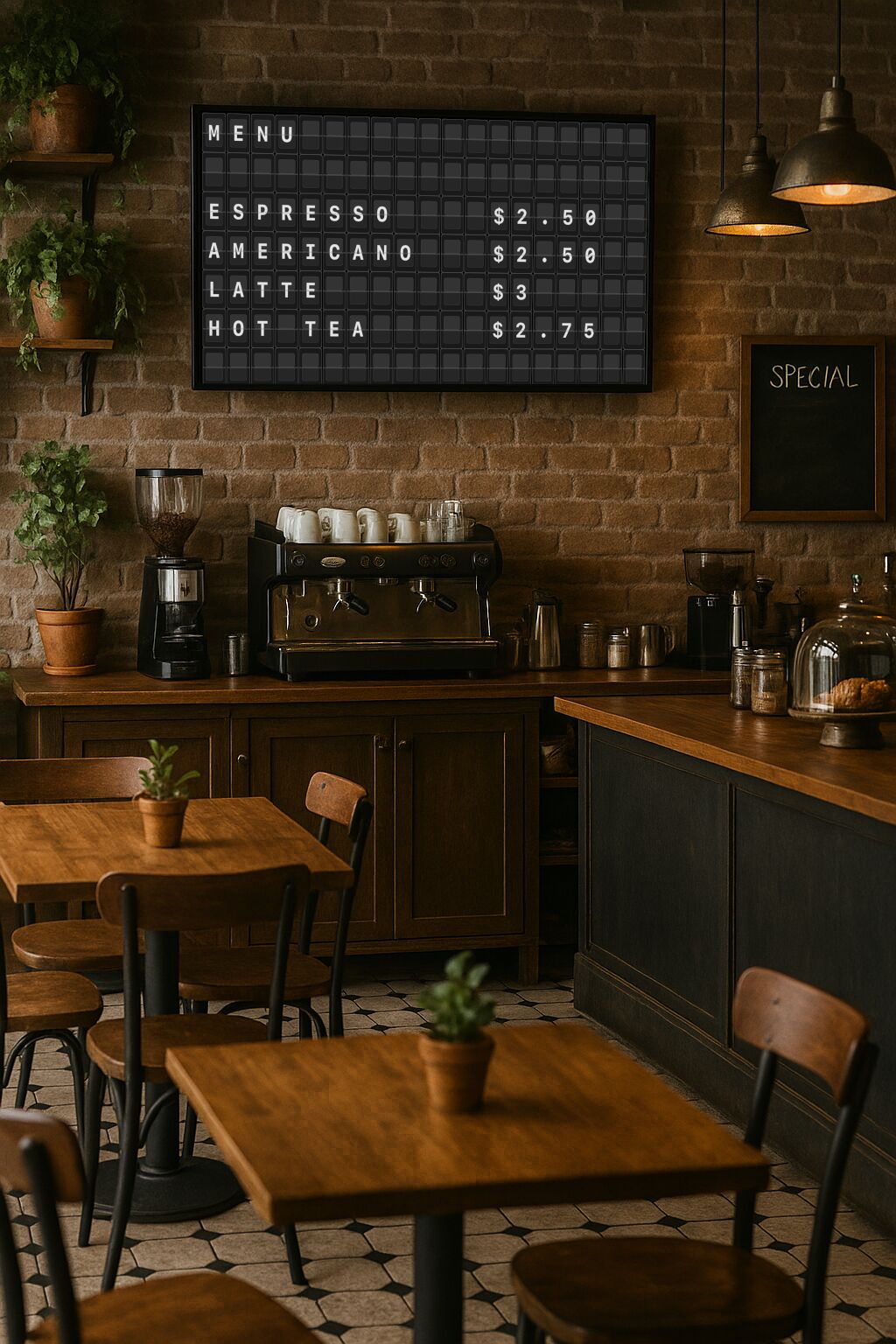
From airport welcome boards to café menus, classroom prompts to game-day signs — one app turns every screen you own into an authentic split-flap display.
A whole signage system, hiding in an app.
Post a message and walk away. Split-Flap Board rotates announcements, live data and AI-written lines — beautifully, on any screen.
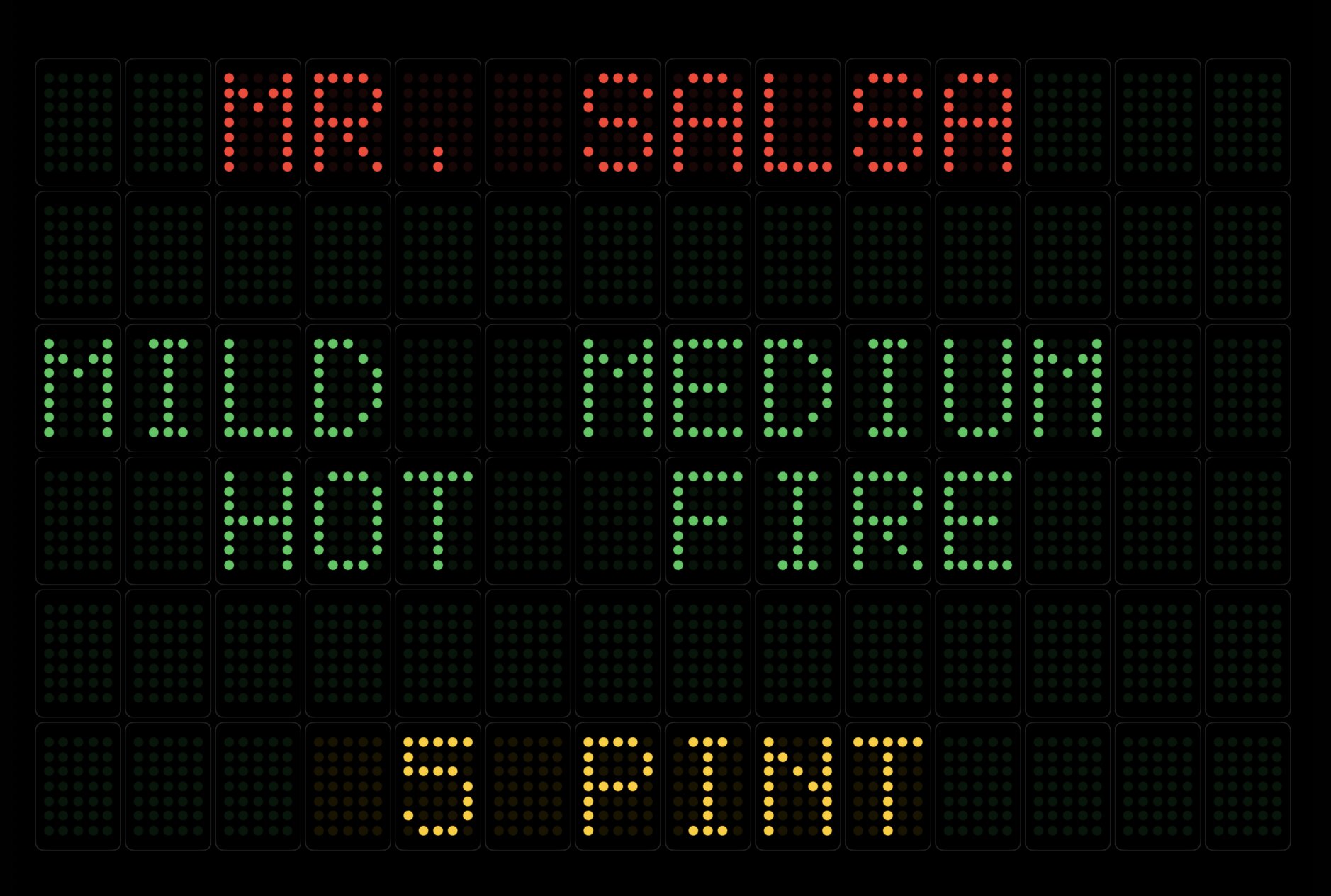
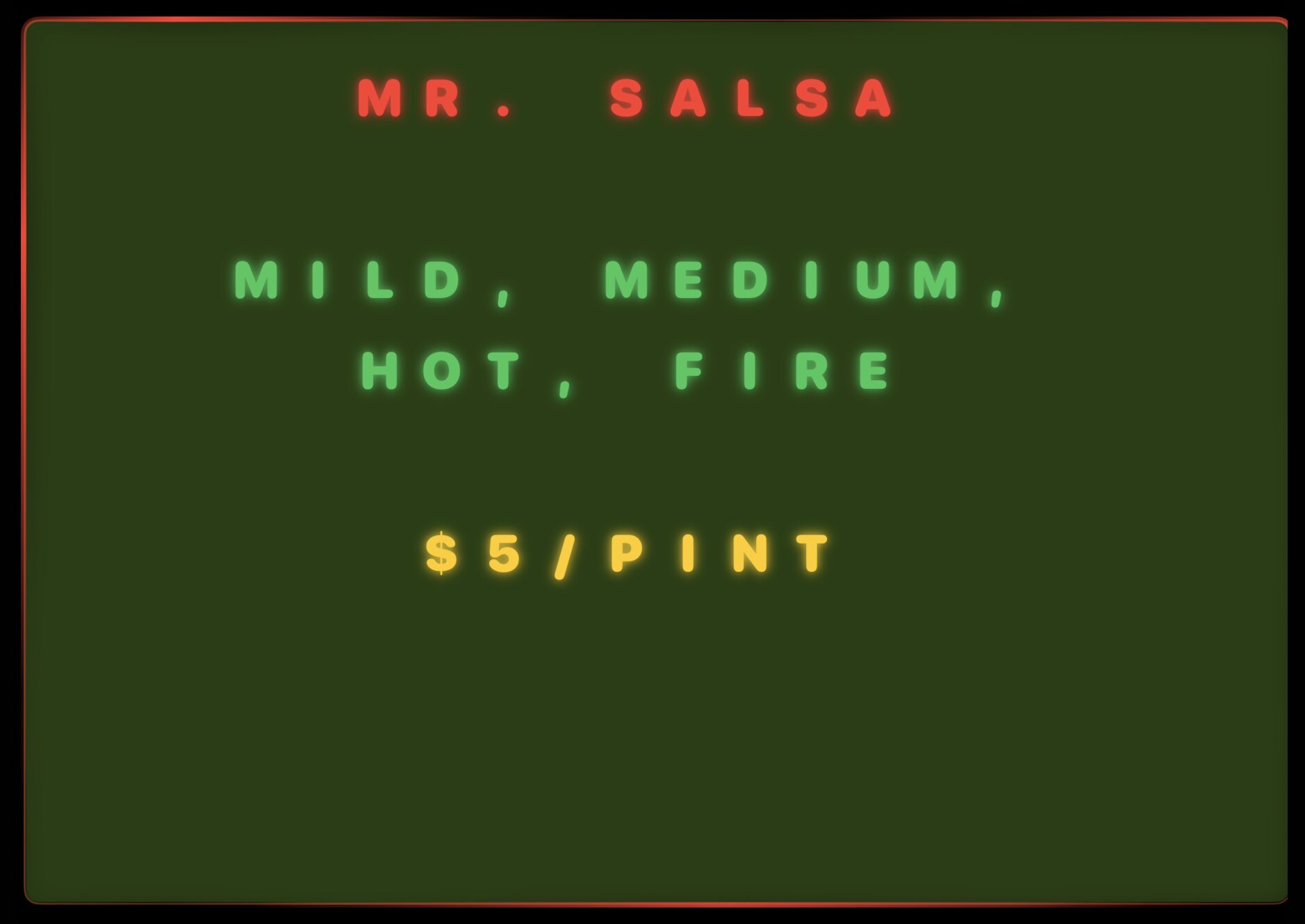
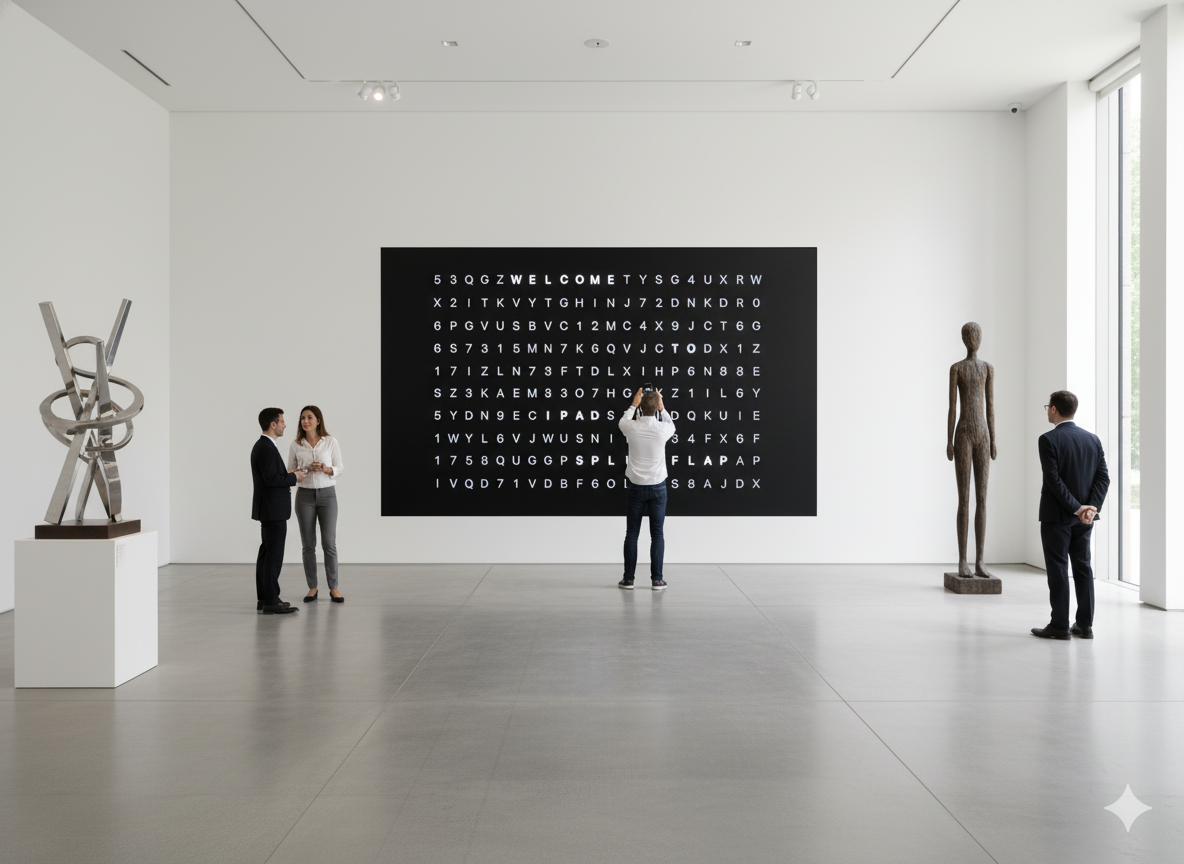
Split-Flap (4 variants), LED Dot Matrix, Retro Marquee, Word Matrix (Dark & Light), Cyberpunk Neon, Galaxy Crawl and Background Image.
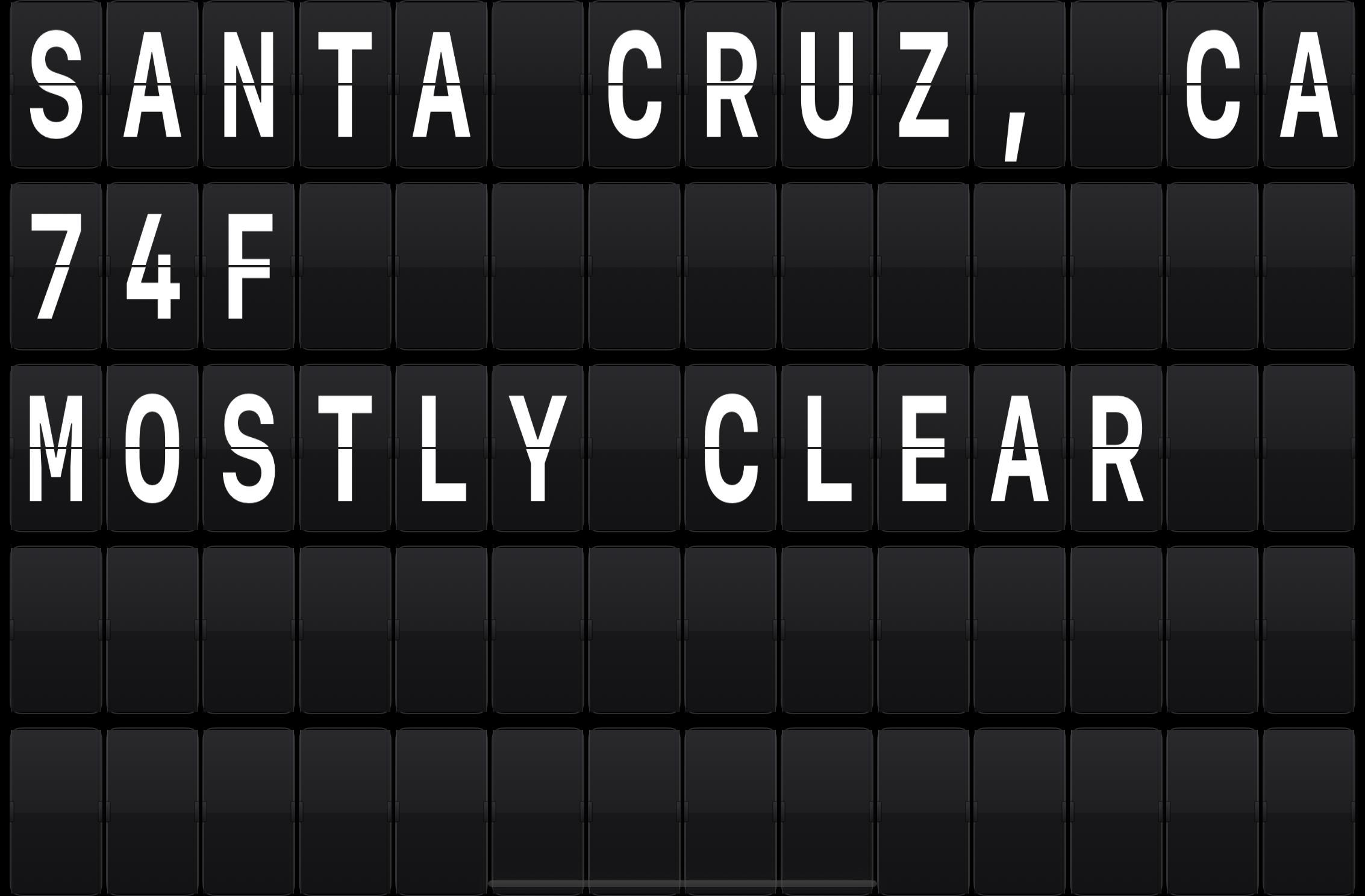
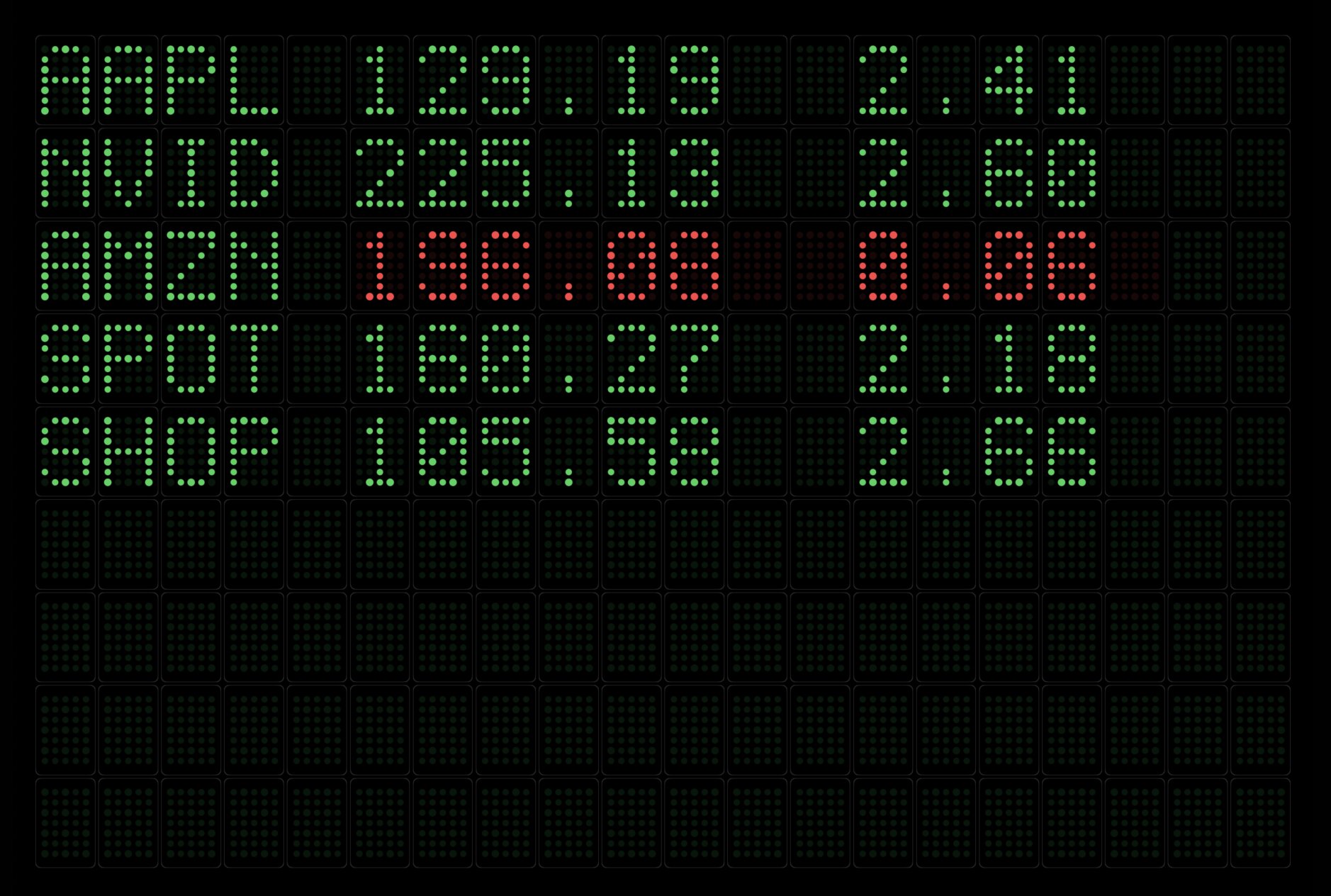
Weather, stock quotes, news and a live clock rotate in automatically — each in your chosen theme.
Apple Intelligence writes on-device messages from your prompt, sized to fit the board.
Eleven looks for every room.
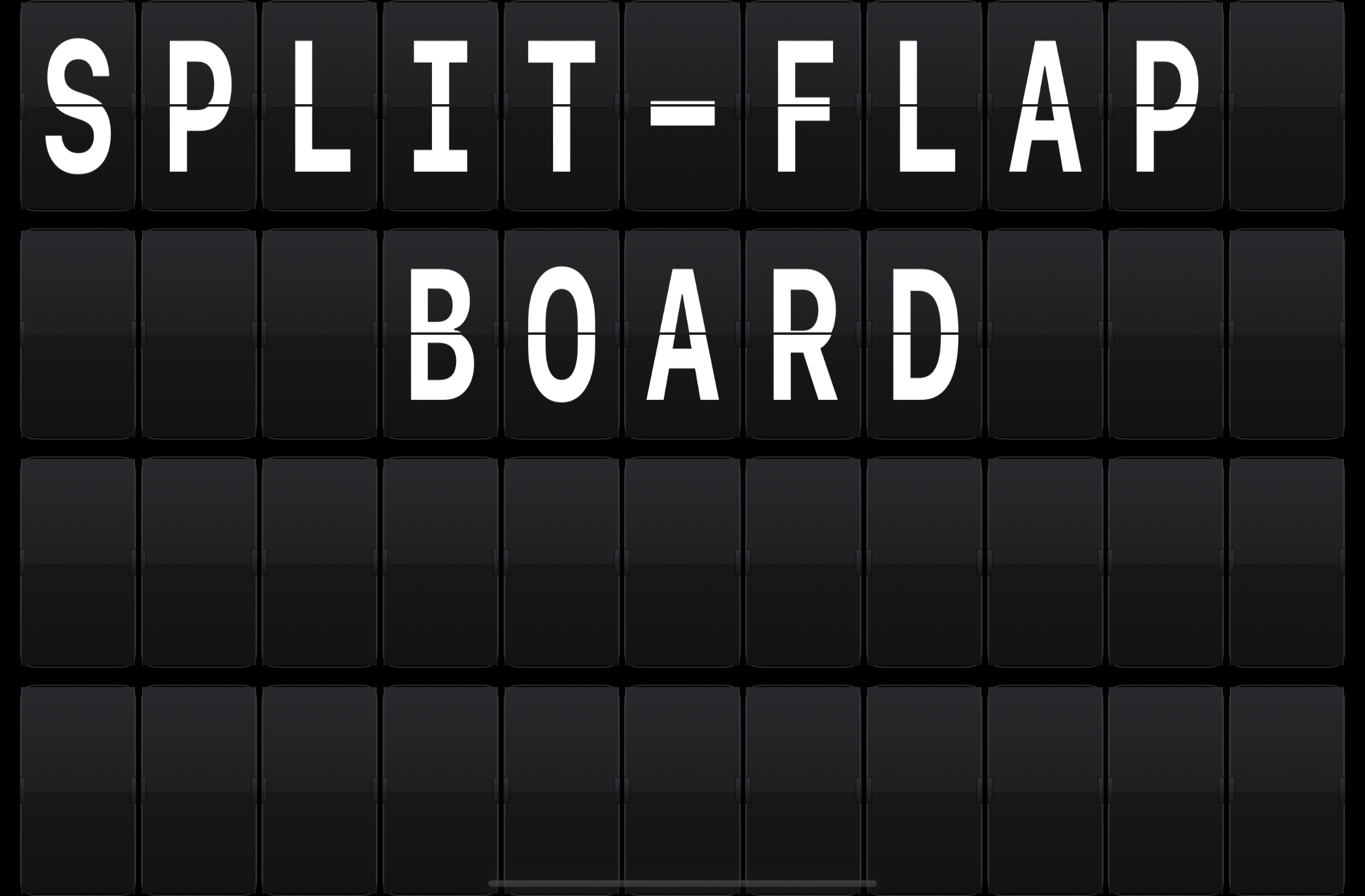
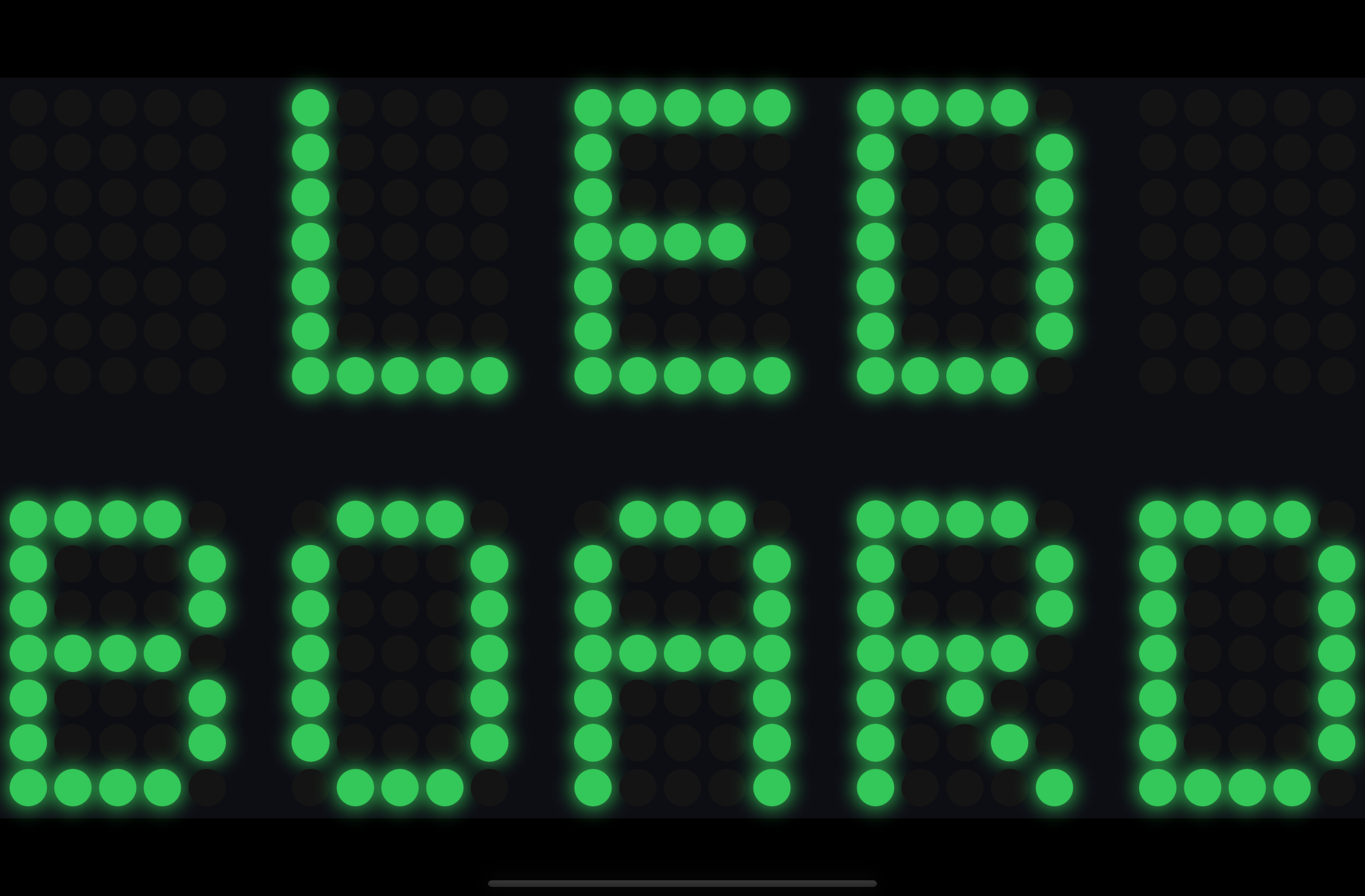
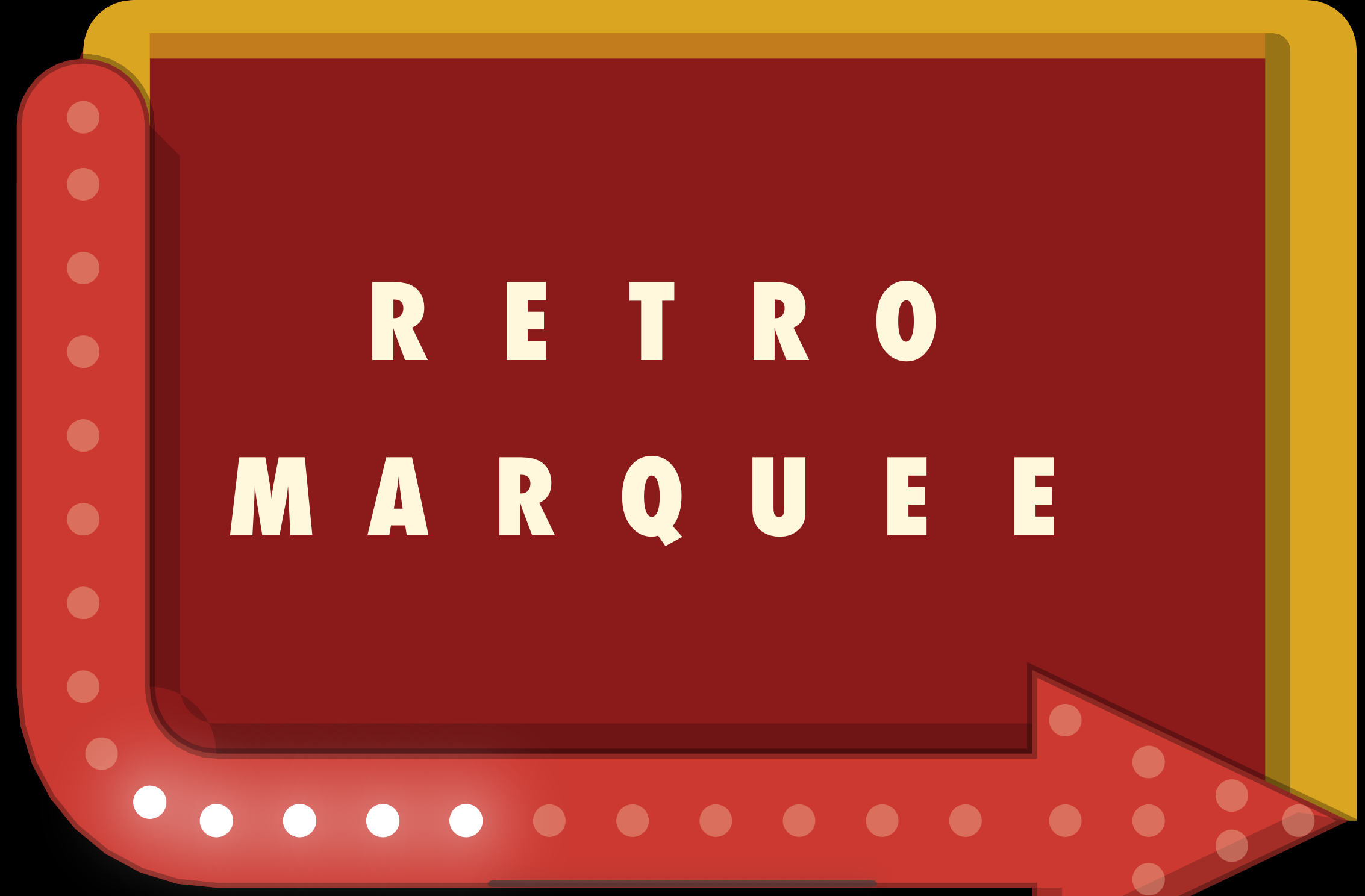
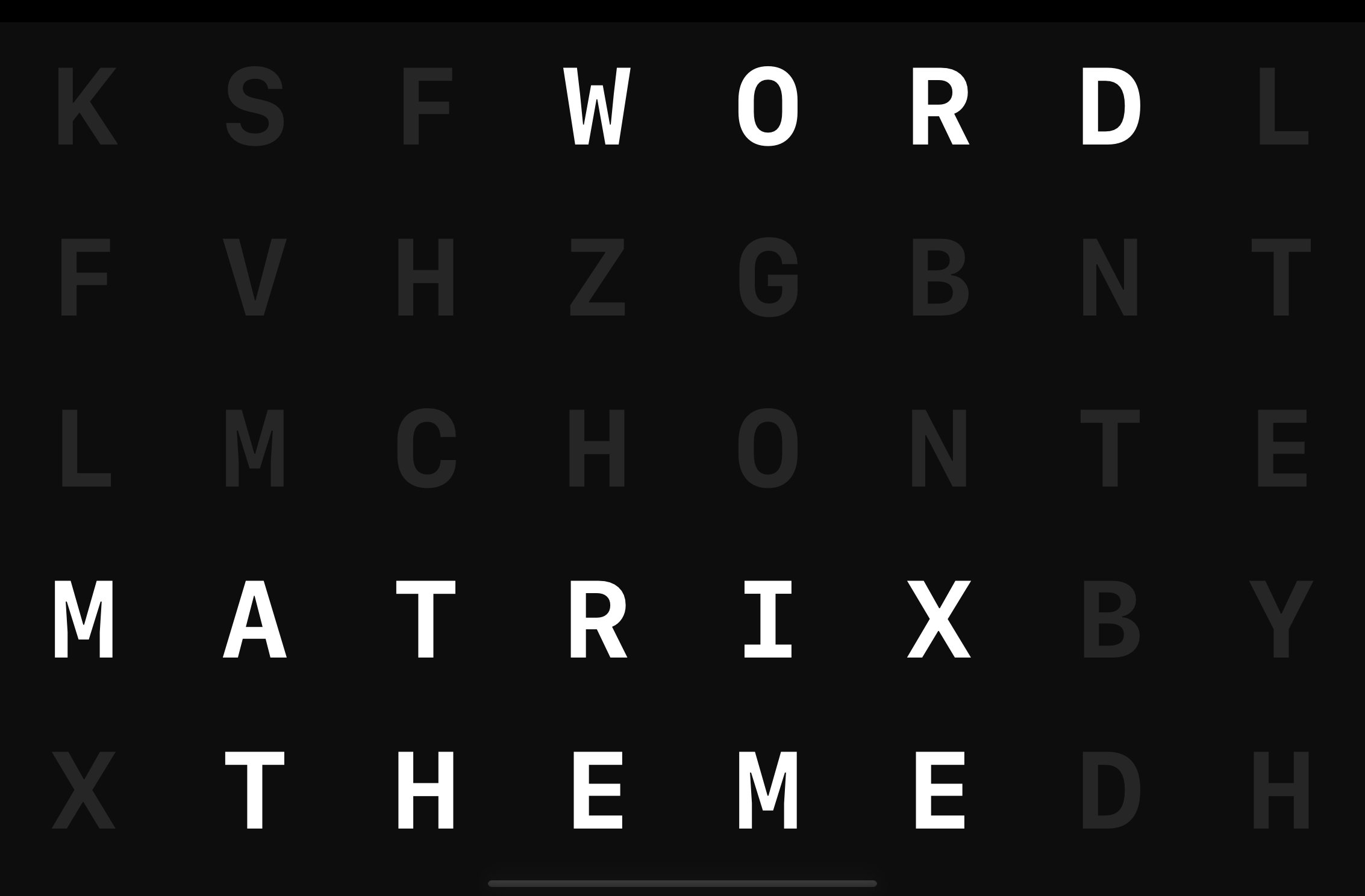
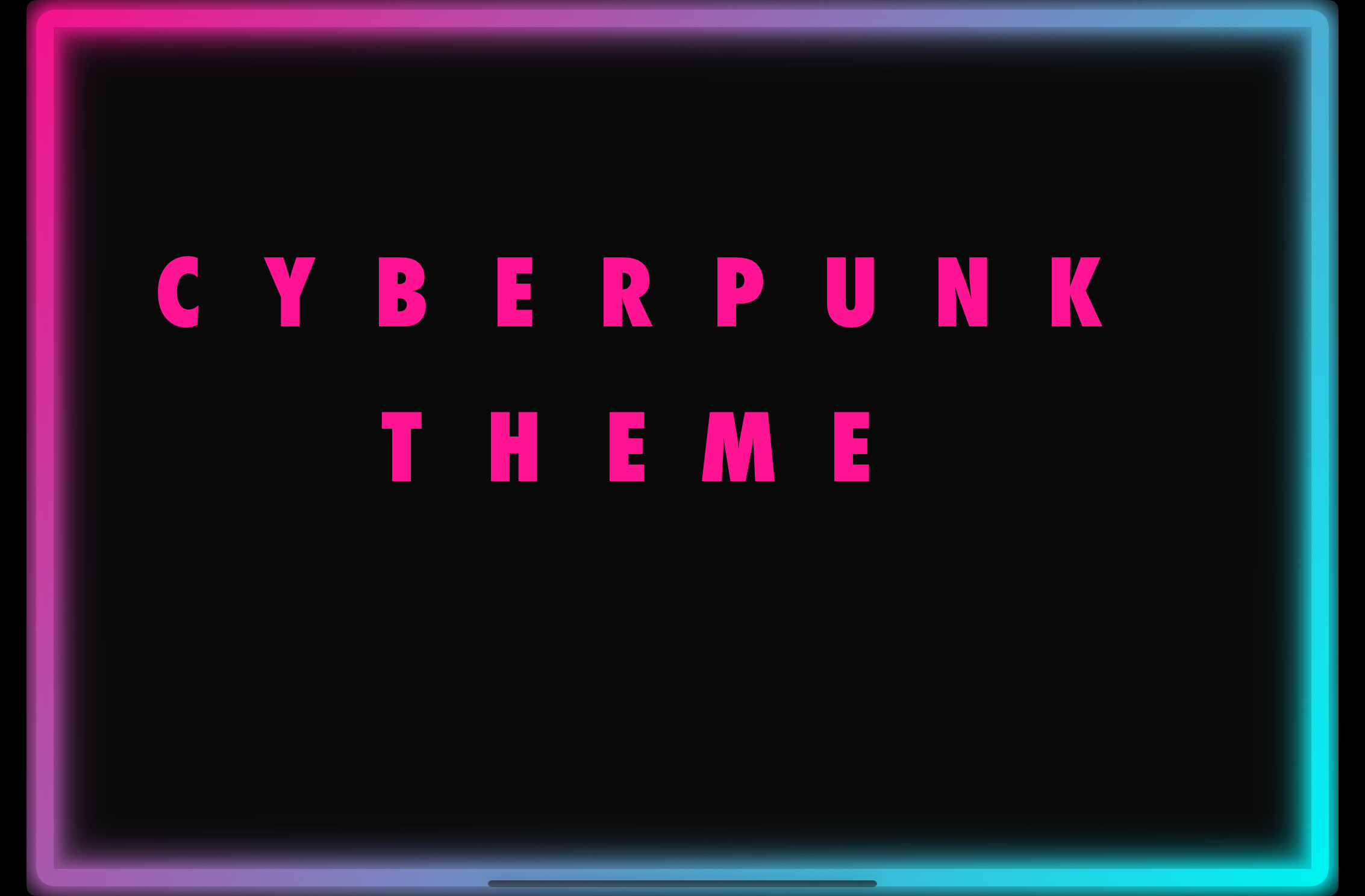
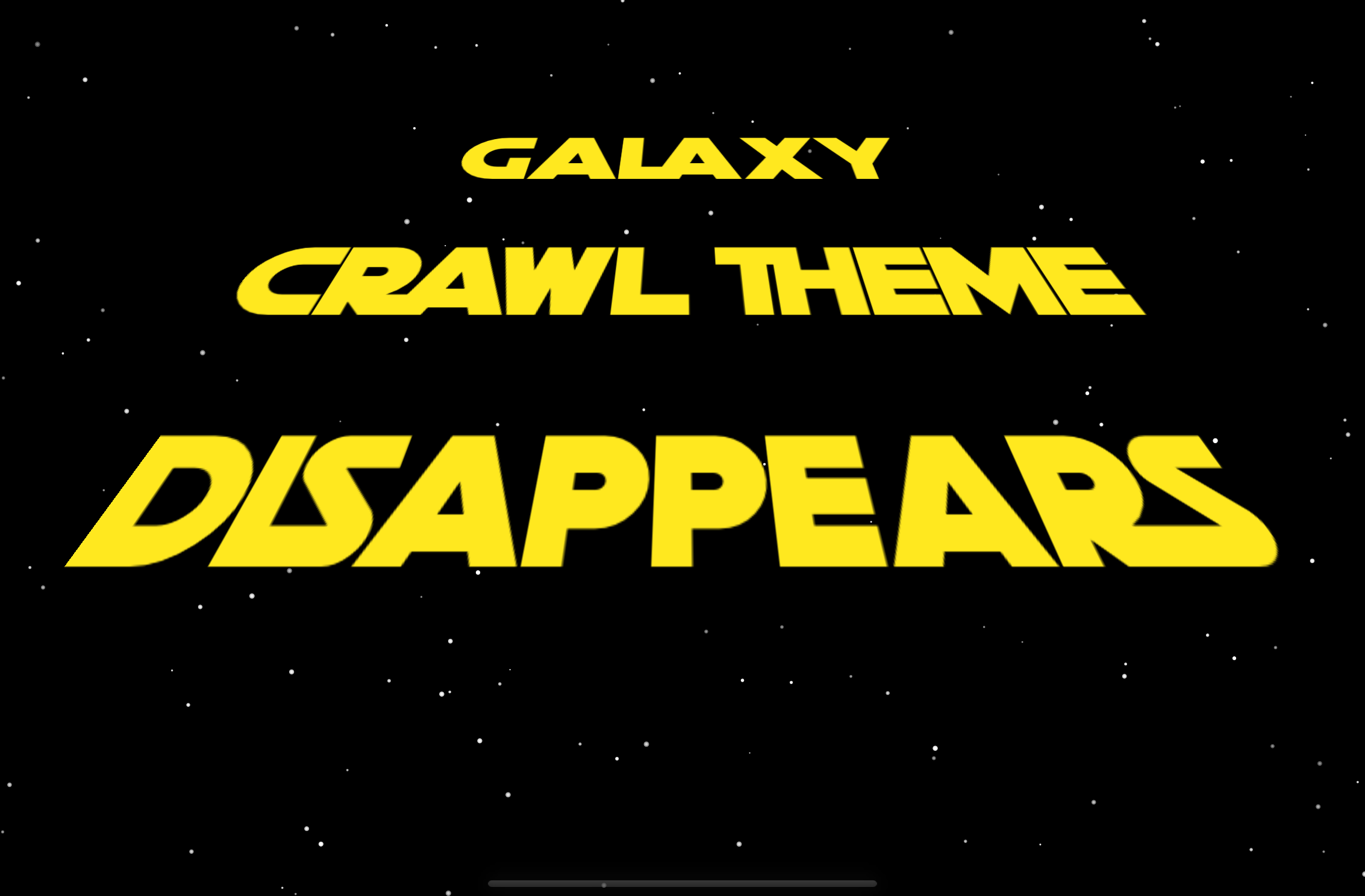
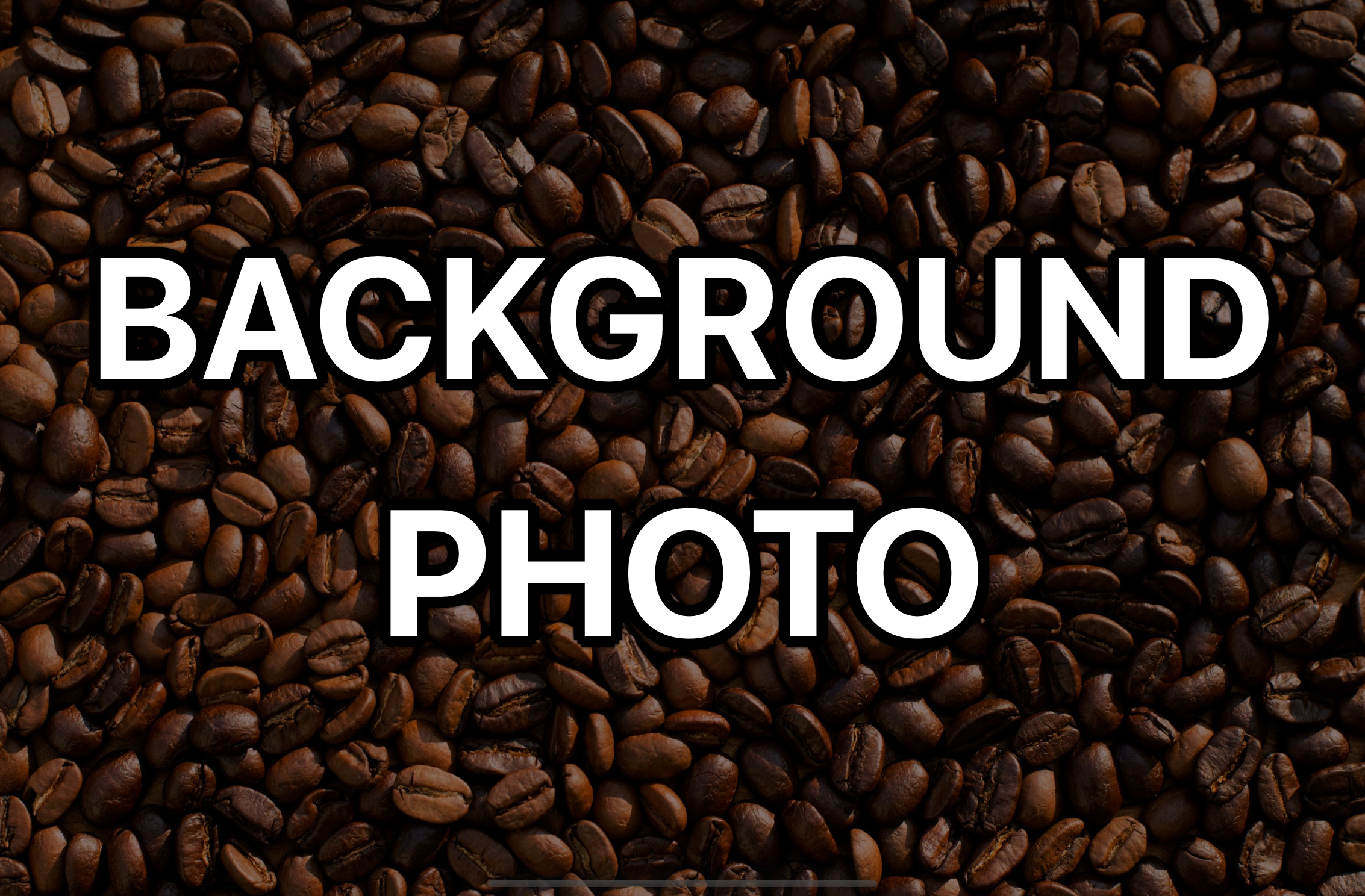
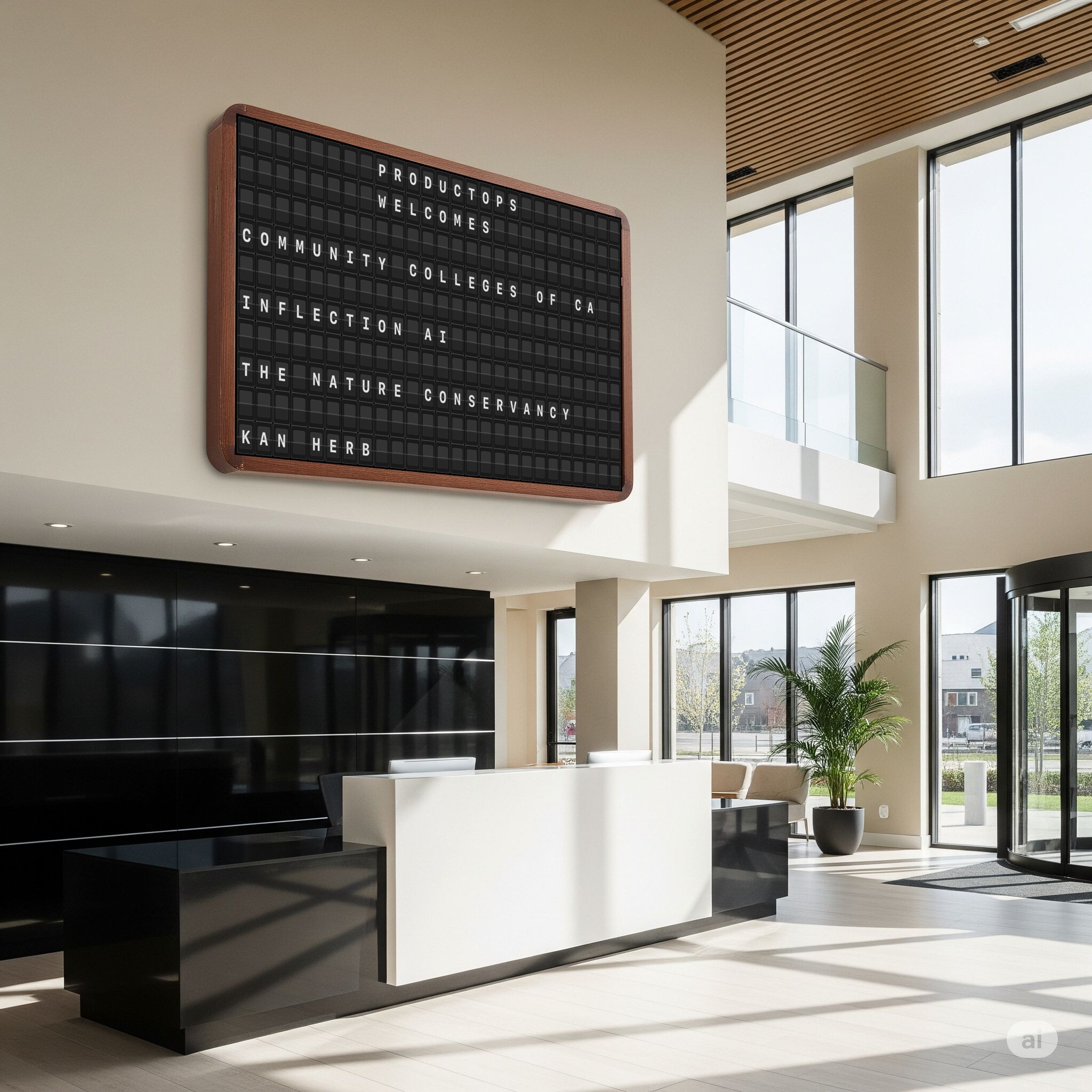
One app. Every venue.
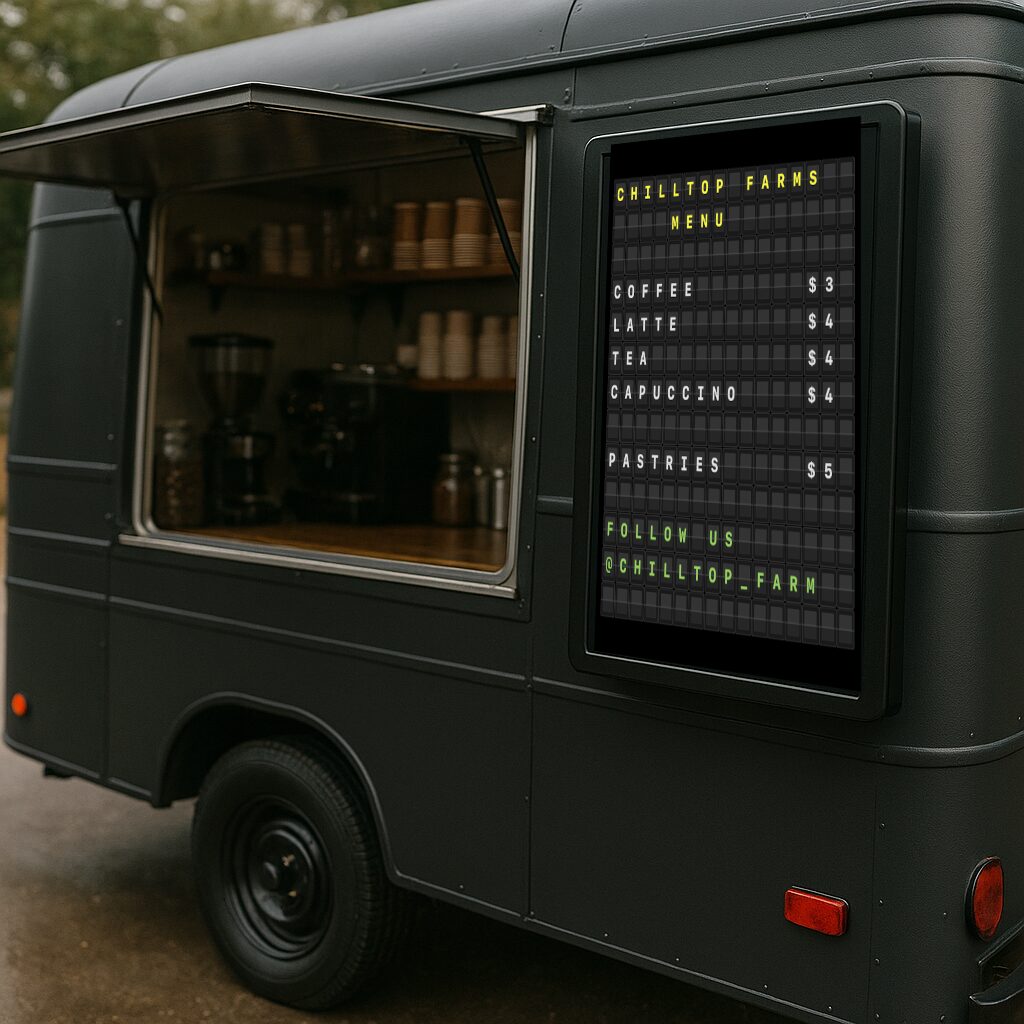
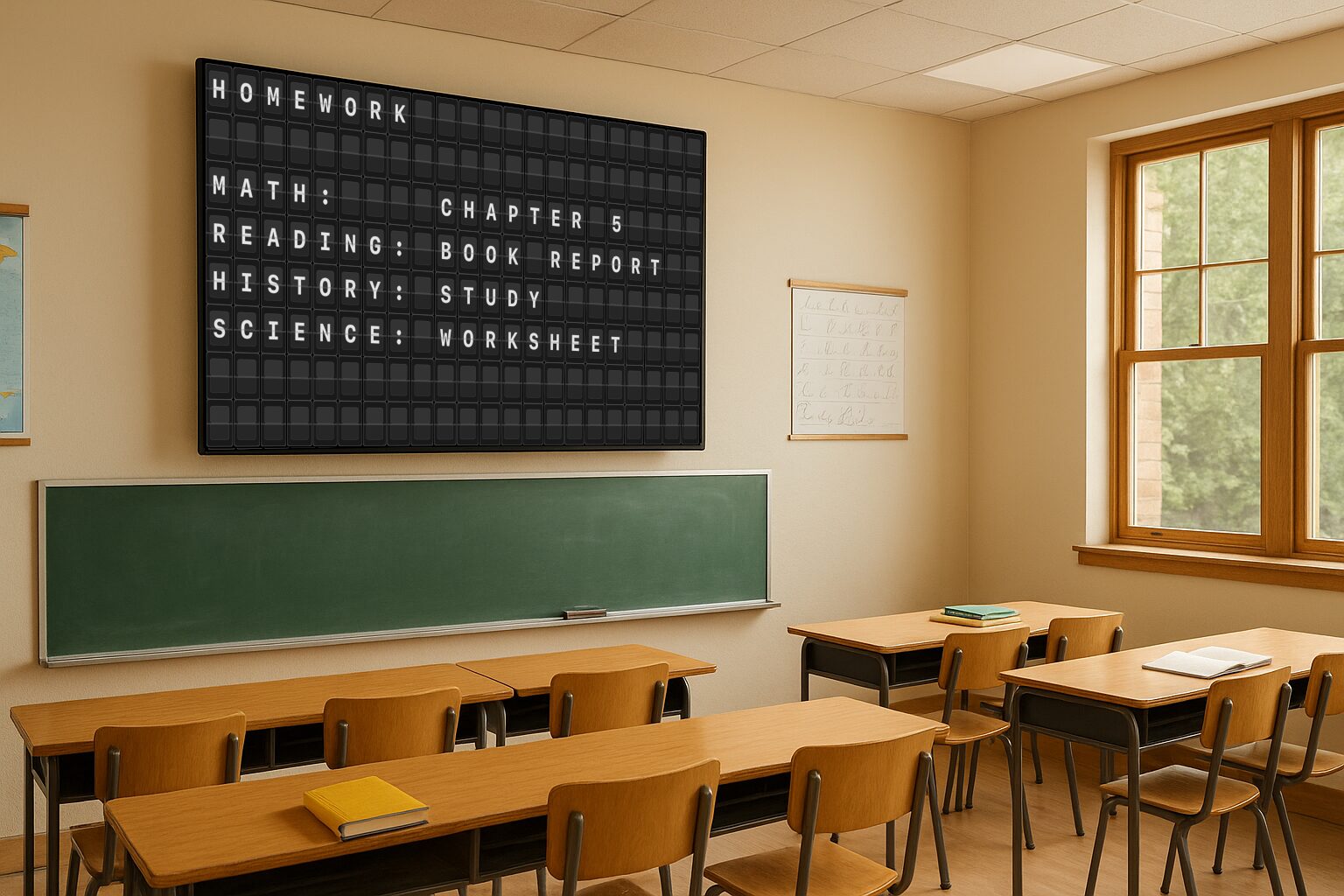
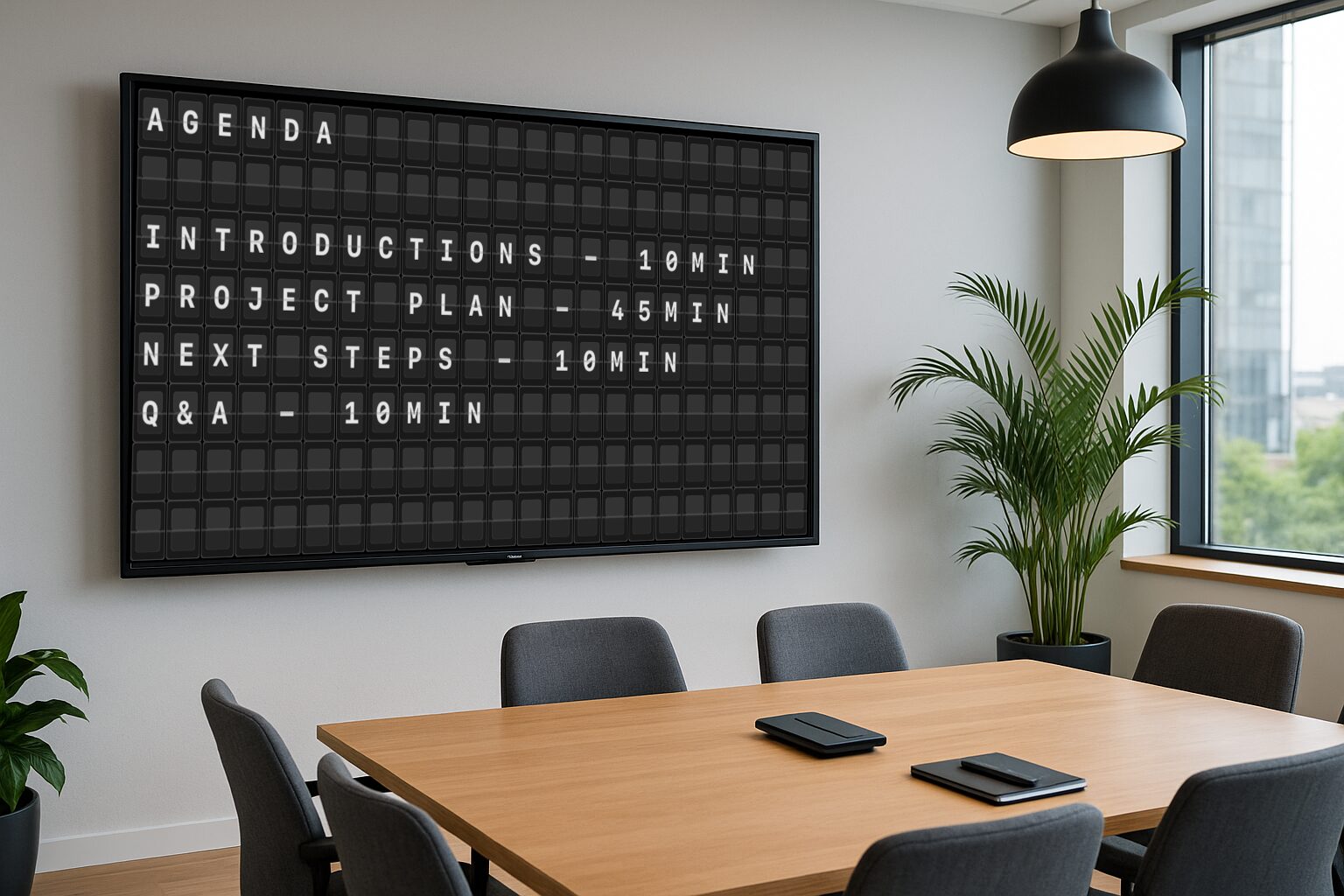
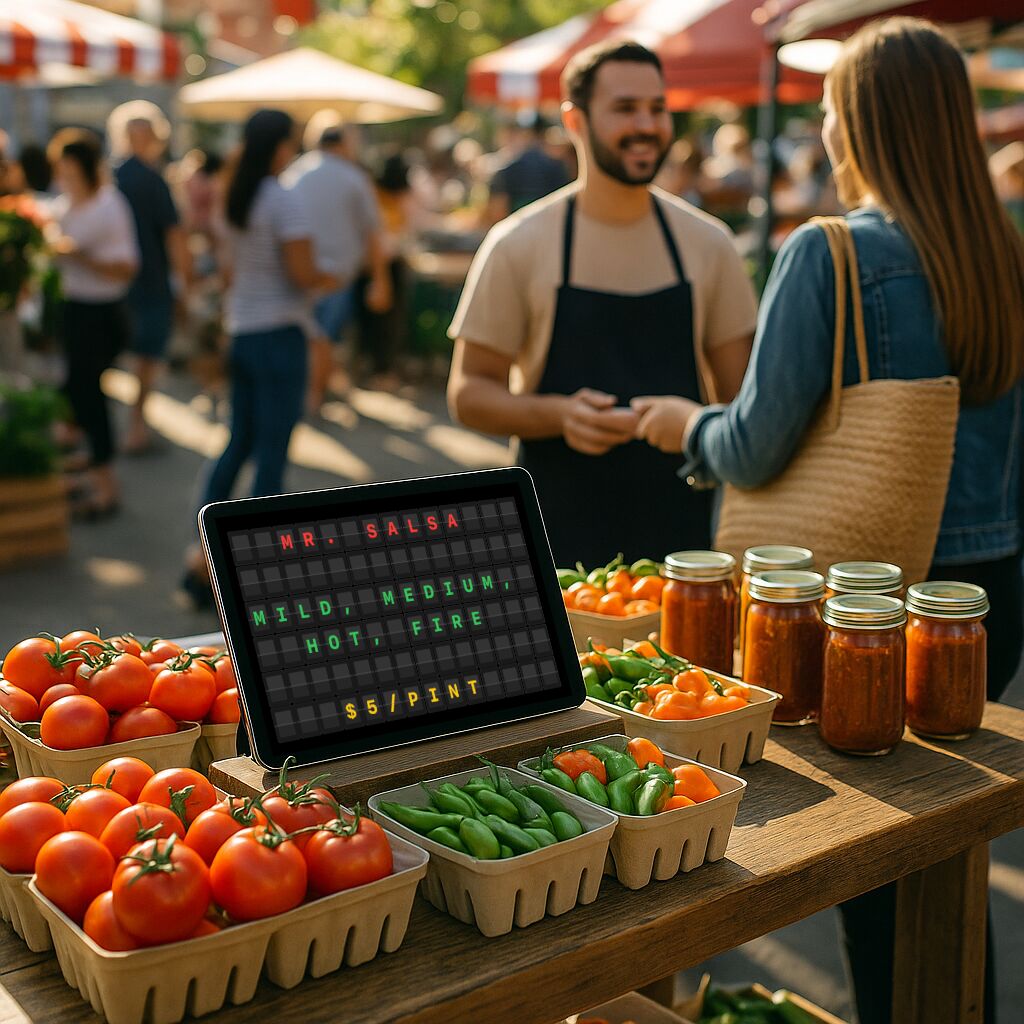
Always-current weather, stocks & news.
Turn on the feeds you want and they rotate into the board just like your own messages — animated in the active theme, each with its own on-screen duration. Pick cities for weather, symbols for stocks, and your preferred news source.
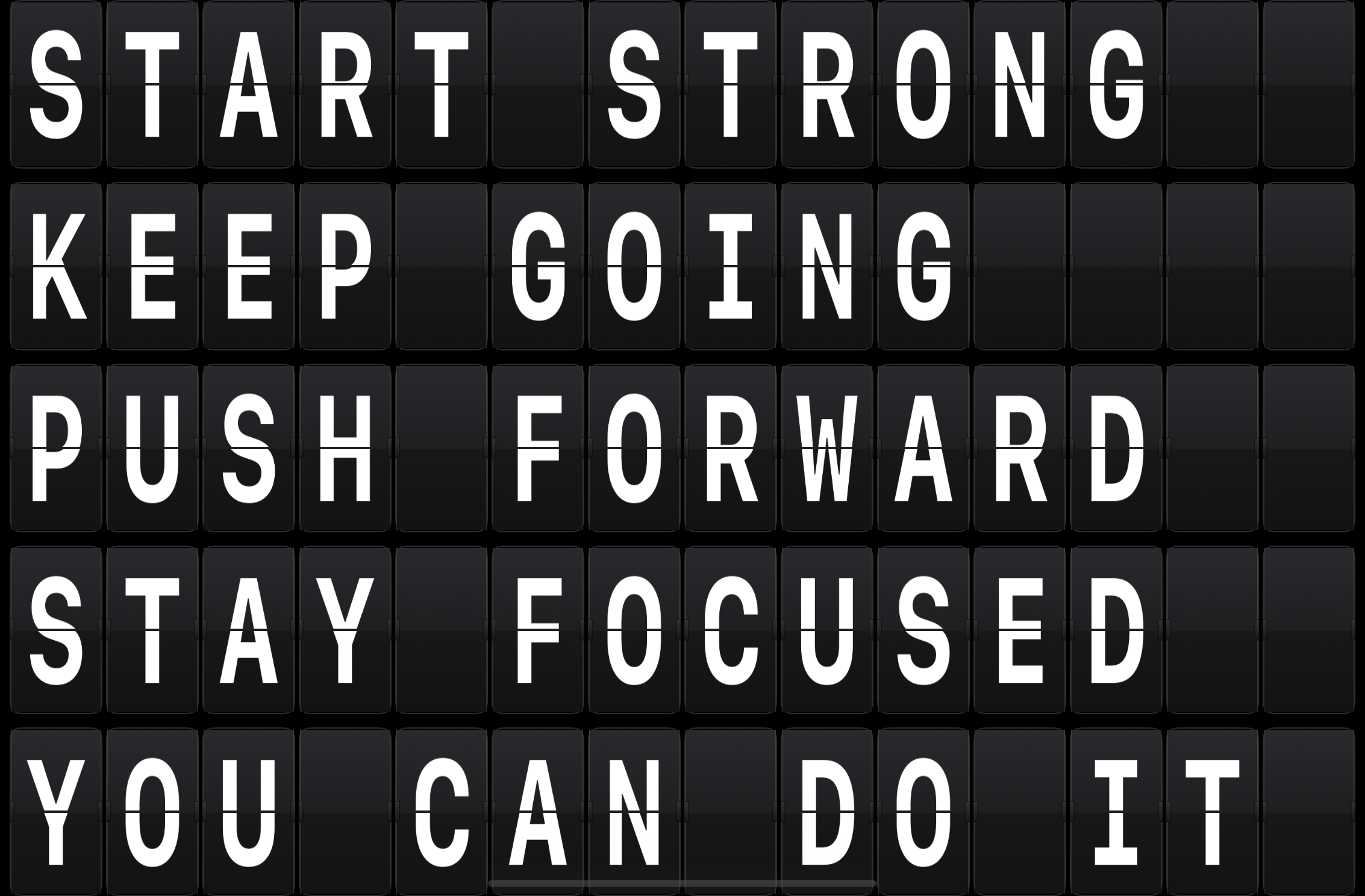
Describe it. The board writes it.
Give a prompt like 'motivational messages to stay on it during the day' and on-device Apple Intelligence generates messages sized to your grid, then drops them into rotation. Private by design — nothing leaves the device — with content guardrails built in.
Available on devices that support Apple Intelligence (iPhone 15 Pro and later, and Apple silicon Macs & iPads).
Plus everything that makes it effortless.
Color by character, line or whole message, plus left / center / right alignment with a simple editor. Premium.
Show the right message at the right time and date — perfect for opening hours and event days.
Edge-to-edge playback with the grid auto-sized to fill the screen — no tiles cropped. Premium.
Set how long each message stays on screen. Mix quick flashes and long holds in one playlist.
English, French, German, Italian, Spanish, Spanish (MX), Japanese, Korean and Portuguese (BR) — the app follows your device language automatically.
No accounts, no cloud, no tracking. Everything stays on your device, always.
Organize messages into as many playlists as you need. Active playlists rotate in order. Premium.
Push messages or playlists — in any theme — from any device or script on your network. Premium.
Script your board over the network.
Turn on the local REST API and send messages — in the theme of your choice — from a script, Apple Shortcuts, Home Assistant or anything else on your Wi-Fi.
See the API in action →$ curl -X POST http://192.168.1.42:8181/v1/message \ -H "Authorization: Bearer $TOKEN" \ -d '{"theme":"led.basic", "lines":["DOORBELL","FRONT DOOR"]}'
Made for the screens you already have.
Edit, preview and present on the go. iOS 17+.
A bigger canvas for bigger boards. iPadOS 17+.
Hands-free playback on any TV. tvOS 17+.
Run a board on a spare display. macOS 14+.
Free to start. $0.99 to go all-in.
One small one-time purchase unlocks every premium theme and pro feature, forever. No subscriptions, no ads, no tracking — ever.
In the wild.

Questions, answered.
What is Split-Flap Board?
It turns any iPhone, iPad, Apple TV or Mac into a rotating digital sign with authentic split-flap flip animation and sound — for welcome boards, menus, announcements, classrooms and more.
How much does it cost?
Free to start. An optional one-time premium unlock is $0.99 USD — no subscriptions, no ads, no tracking.
Do I need an internet connection or an account?
No account, ever. The app runs on-device; only live feeds (weather, stocks, news) use the network. AI messages are generated on-device with Apple Intelligence.
Which themes are included?
Split-Flap (all four styles) and LED Dot Matrix are free, along with live feeds, AI messages and scheduling. Premium adds Retro Marquee, Word Matrix, Cyberpunk Neon, Galaxy Crawl and Background Image, plus rich formatting, unlimited playlists, the Remote API and fullscreen.
Can I send messages to the board from another device or a script?
Yes. With premium, turn on the Remote API in Settings and set a token. Anything on your local network — curl, Apple Shortcuts, Home Assistant, your own code — can then send a message or a whole playlist, including which theme to show it in. It’s off by default and never leaves your network. See how it works →
Can I use it for my business?
Absolutely. It’s built for cafés, offices, classrooms, events and retail — affordable signage that runs on hardware you already own.
Ready to flip?
Download Split-Flap Board for iPhone, iPad, Apple TV and Mac. Start free; upgrade anytime for $0.99.